Start with a free ELD
Get FMCSA-compliant ELD tools at $0/month, with optional upgrades when your fleet needs more.
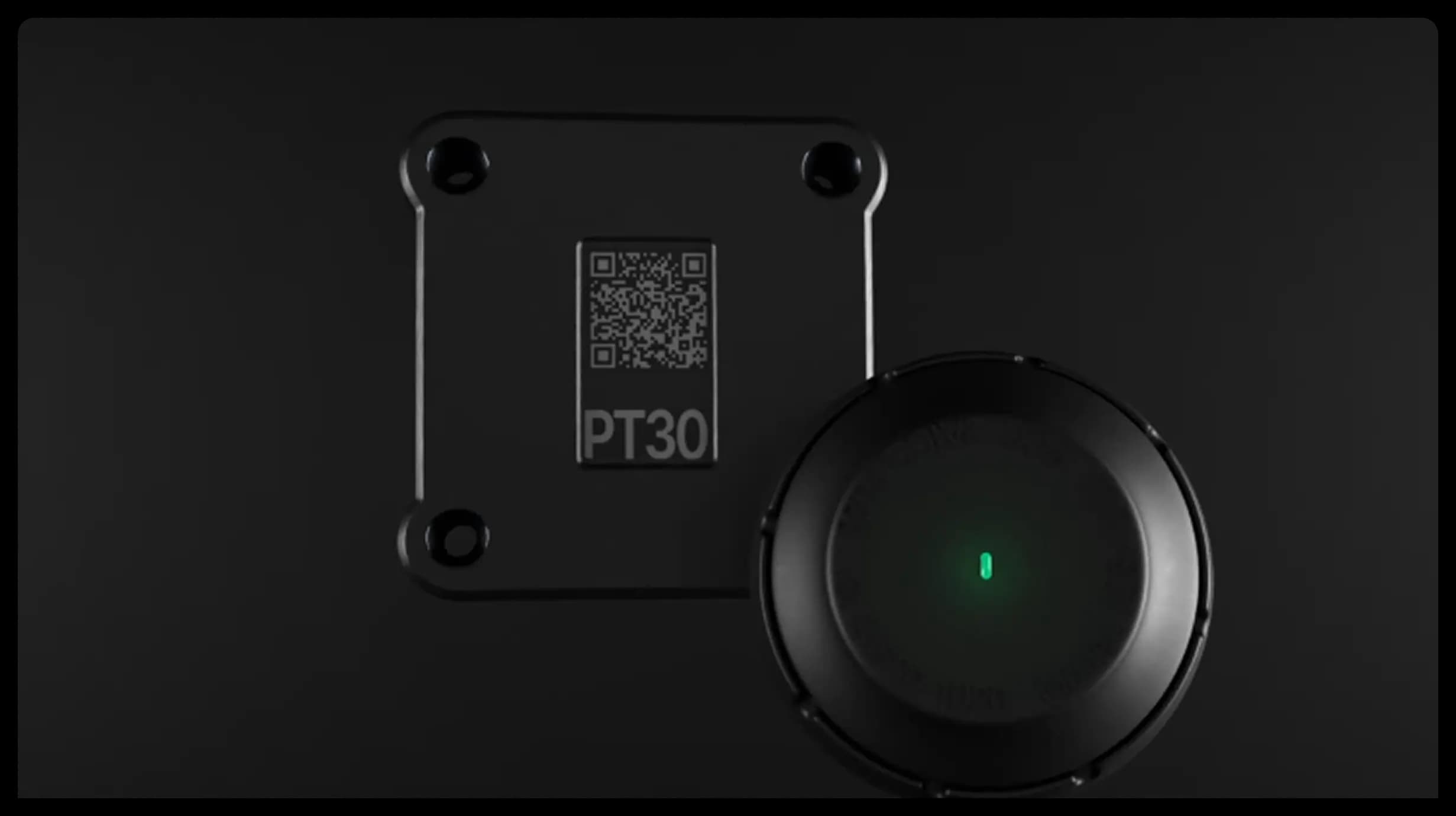
What's included

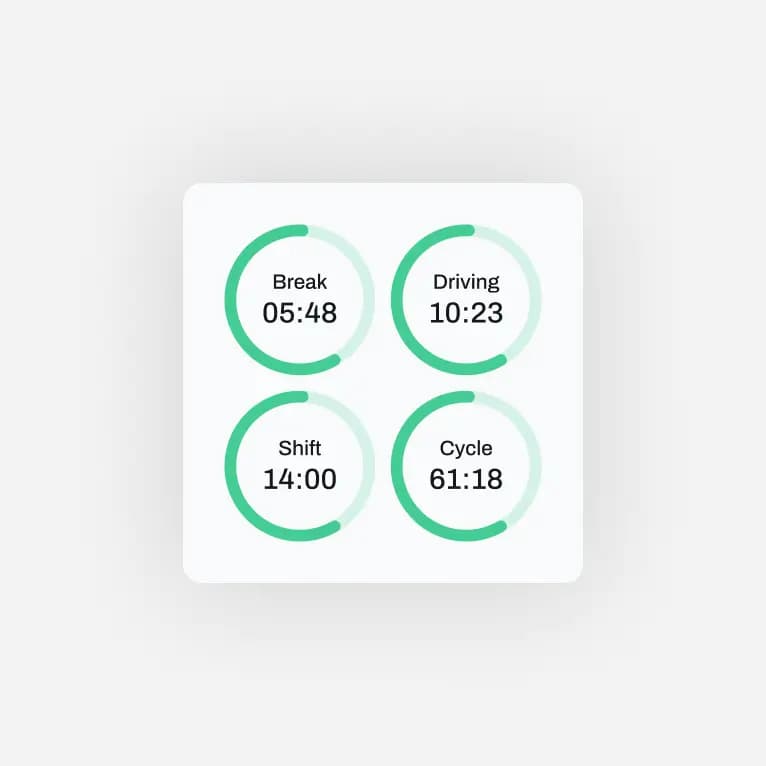
HOS Logs
Automatic hours-of-service tracking.

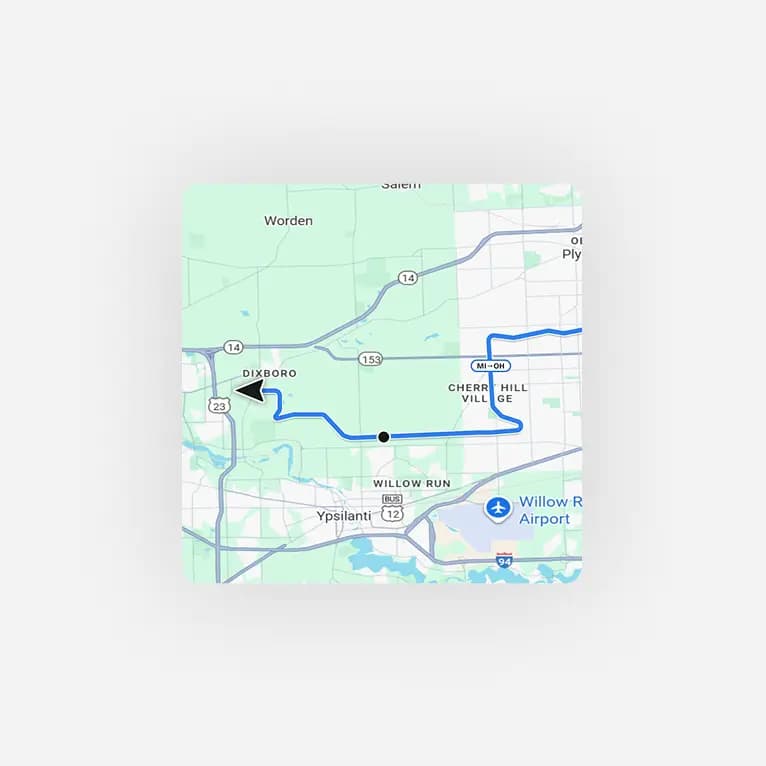
DVIR Inspections
Complete vehicle inspections digitally.

DOT Inspection Mode
Keep logs ready for roadside inspections.
Stay compliant. Spend less.
Compliance shouldn’t cost more.
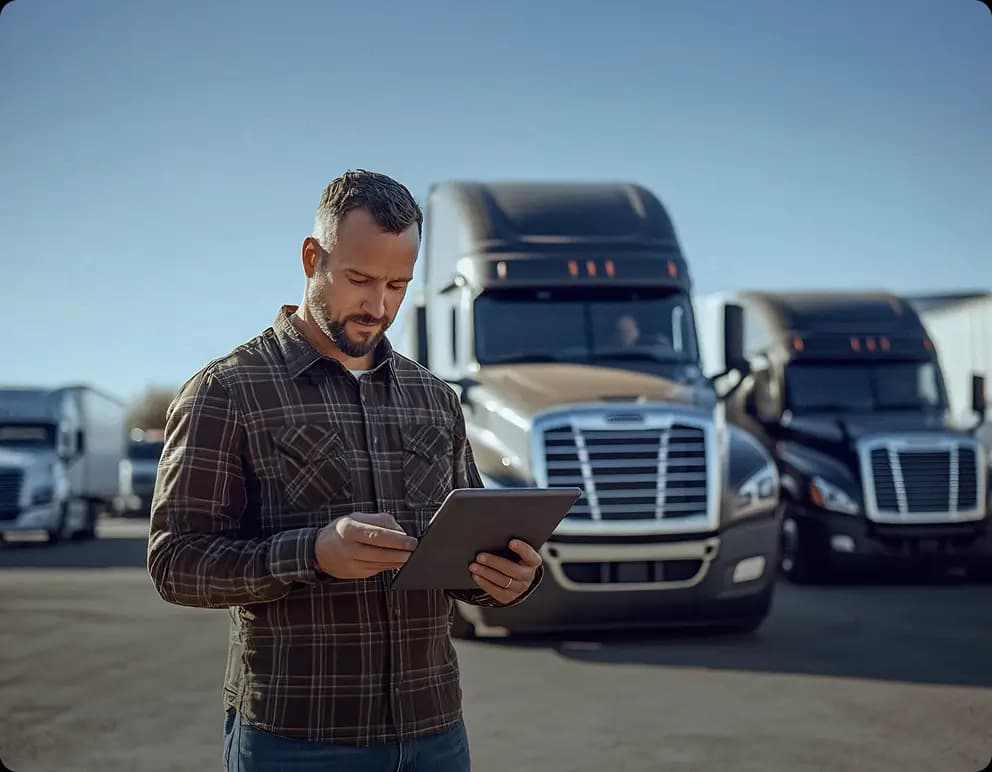
Thousands of owner-operators start their FMCSA compliance journey with Route One ELD. Instead of subscriptions or long contracts, they activate a free compliant ELD and get on the road immediately.
2000
Drivers onboarded
38%
Fewer violations
What happens after you sign up?

Create your account
Add your company, drivers, and vehicles.

Connect your ELD
Pair a compatible ELD device with the app.

Start logging
Sync the device with the app and track HOS and stay ready for inspections.
Choose your plan
Start with free ELD today.
What customers are saying
Got any questions?
What is Route One ELD?
Route One ELD is a FMCSA-certified ELD app that keeps you compliant with the Hours of Service (HOS) rule. You log your driving time, duty status, and location automatically, and everything is ready to show at roadside inspections - no expensive hardware or monthly software fees required to get started.
Is Route One ELD really free?
Yes. The Route One ELD app is free to download and use for electronic logging. You'll need a compatible ELD device to connect to your truck's engine (as FMCSA requires), but the logging app itself doesn't lock core compliance features behind a subscription. YOu upgrade to paid version when you need more.
Is Route One ELD FMCSA approved?
Yes. Route One ELD is registered and certified on the FMCSA's list of approved ELDs, so it meets the federal requirements for electronic logging in the U.S.
What do I need to start using Route One ELD?
Three things: a smartphone or tablet, the Route One ELD app (iOS or Android), a Route One GO account and a compatible ELD device plugged into your truck's diagnostic port. Once they're paired, the app records your driving automatically.
How do I install the ELD device?
The device connects to your vehicle's diagnostic port (usually under the dash). It's a plug-and-play setup that takes just a few minutes - no tools or mechanic required. The app then pairs with the device over Bluetooth.
Does Route One ELD work for owner-operators and small fleets?
Both. A single owner-operator can run one truck for free, and fleet managers can add multiple trucks, trailers, and drivers to manage everyone's compliance from one Route One GO account.
How does Route One ELD handle a roadside inspection (DOT stop)?
You can display your logs on the app screen or transfer them to the inspector electronically, exactly as FMCSA requires. Your records of duty status are always available and formatted to the federal standard.
What happens to my old logs if I switch from another ELD to Route One?
Your Route One ELD logs start recording as soon as you set up the app and device. For your prior records, keep them accessible per the retention rules (generally the current period plus the previous 6 months); support can walk you through the transition.
Can I use Route One ELD if I have limited or no cell signal?
Yes. The app keeps recording your duty status and driving data offline and syncs automatically once you're back in coverage, so you stay compliant even in dead zones.