Empieza con un ELD gratis
Herramientas ELD que cumplen con la FMCSA por $0 al mes, con mejoras opcionales cuando tu flota necesite más.
Qué incluye

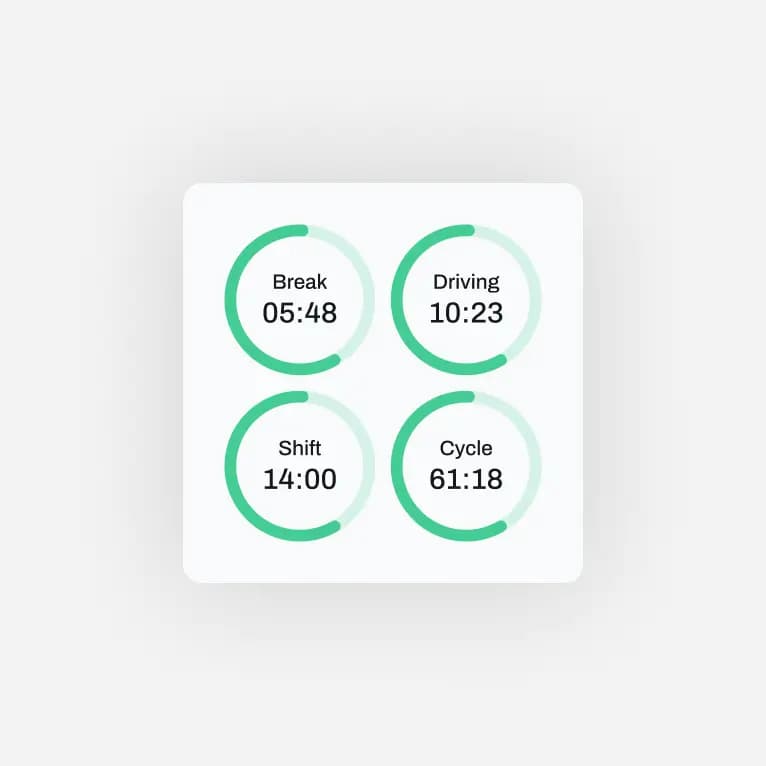
Registros de HOS
Registro automático de horas de servicio.

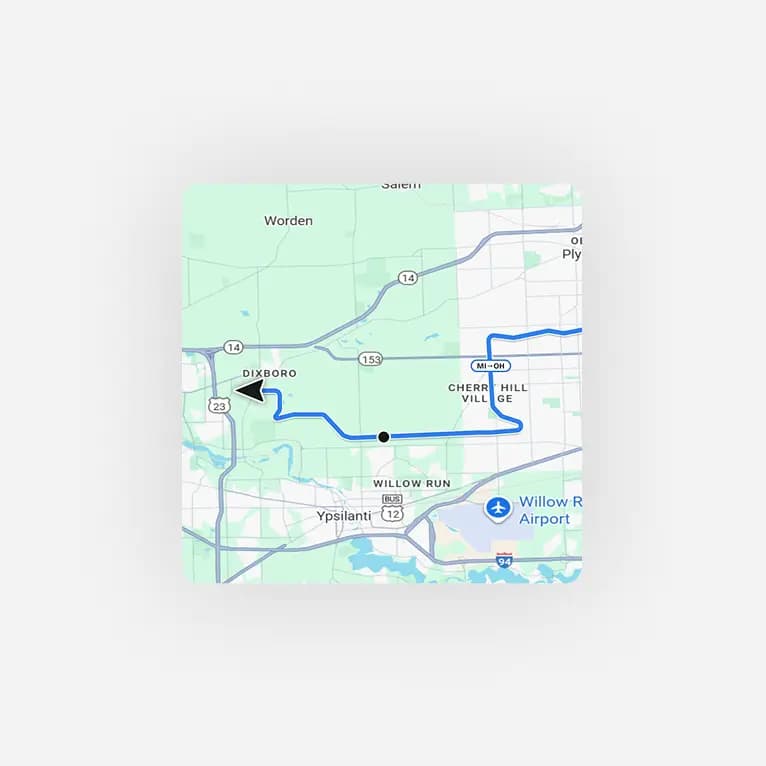
Inspecciones DVIR
Inspecciones de vehículos en formato digital.

Modo de inspección del DOT
Registros listos para las inspecciones en carretera.
Cumple la normativa. Gasta menos.
Cumplir no debería costar más.
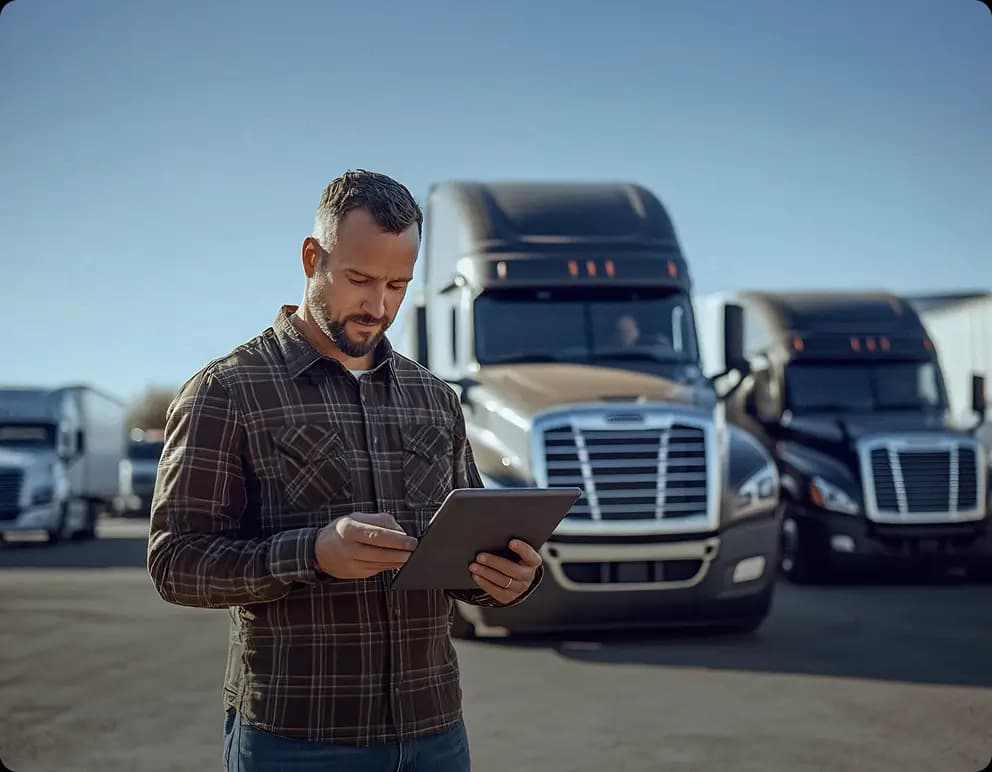
Miles de propietarios-operadores empiezan a cumplir con la FMCSA con Route One ELD. En lugar de suscripciones o contratos largos, activan un ELD gratuito que cumple la normativa y salen a la carretera de inmediato.
2000
Conductores activos
38%
Menos infracciones
¿Qué pasa después de registrarte?

Crea tu cuenta
Agrega tu empresa, tus conductores y tus vehículos.

Conecta tu ELD
Vincula un dispositivo ELD compatible con la app.

Empieza a registrar
Sincroniza el dispositivo con la app, registra tus HOS y mantente listo para las inspecciones.
Elige tu plan
Empieza hoy con un ELD gratis.
Lo que dicen nuestros clientes
¿Tienes preguntas?
¿Qué es Route One ELD?
Route One ELD es una app ELD registrada ante la FMCSA que te mantiene en regla con la norma de horas de servicio (HOS). Tu tiempo de manejo, tu estado de servicio y tu ubicación se registran automáticamente, y todo está listo para mostrar en las inspecciones en carretera. Para empezar no necesitas equipos caros ni pagar cuotas mensuales de software.
¿Route One ELD es realmente gratis?
Sí. La app Route One ELD es gratis de descargar y de usar para el registro electrónico. Necesitas un dispositivo ELD compatible conectado al motor de tu camión (como exige la FMCSA), pero la app no bloquea las funciones básicas de cumplimiento detrás de una suscripción. Cuando necesites más, puedes pasar a un plan de pago.
¿Route One ELD está registrado ante la FMCSA?
Sí. Route One ELD está autocertificado y registrado en la lista de ELD de la FMCSA, así que cumple los requisitos federales de registro electrónico en EE. UU.
¿Qué necesito para empezar a usar Route One ELD?
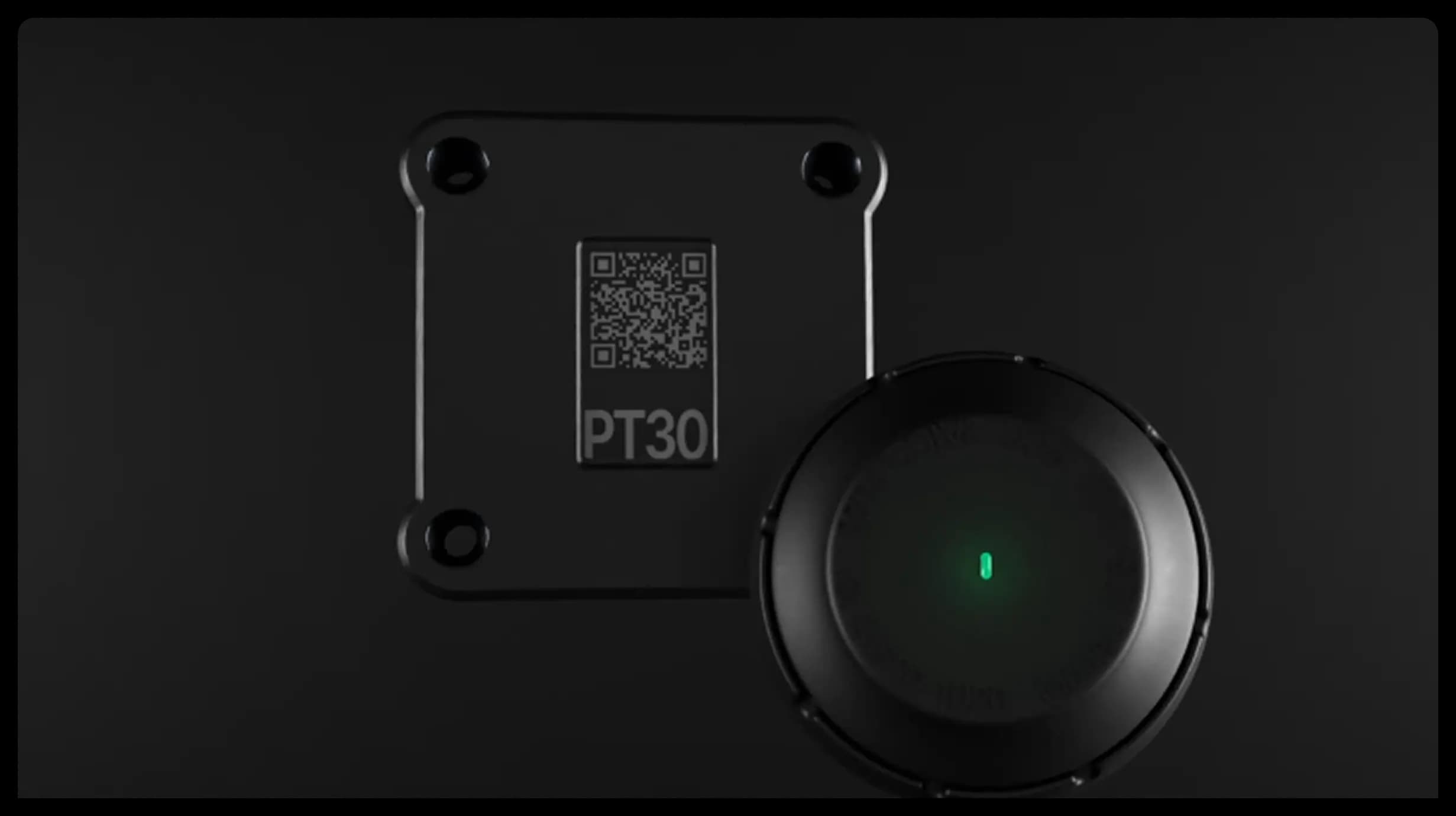
Cuatro cosas: un celular o una tableta, la app Route One ELD (iOS o Android), una cuenta de Route One GO y un dispositivo ELD compatible conectado al puerto de diagnóstico de tu camión. Una vez vinculados, la app registra tu manejo automáticamente.
¿Cómo instalo el dispositivo ELD?
El dispositivo se conecta al puerto de diagnóstico del vehículo (normalmente debajo del tablero). Solo hay que enchufarlo y toma unos minutos, sin herramientas ni mecánico. Después la app se vincula con el dispositivo por Bluetooth.
¿Route One ELD sirve para propietarios-operadores y flotas pequeñas?
Para ambos. Un propietario-operador puede usarlo gratis con un camión, y los administradores de flota pueden agregar varios camiones, remolques y conductores para gestionar el cumplimiento de todos desde una sola cuenta de Route One GO.
¿Cómo funciona Route One ELD en una inspección en carretera del DOT?
Puedes mostrar tus registros en la pantalla de la app o enviárselos al inspector de forma electrónica, tal como exige la FMCSA. Tus registros de estado de servicio siempre están disponibles y en el formato que marca la norma federal.
¿Qué pasa con mis registros anteriores si me cambio de otro ELD a Route One?
Tus registros en Route One ELD empiezan en cuanto configuras la app y el dispositivo. Los registros anteriores debes conservarlos accesibles según las reglas de retención (en general, el periodo actual más los 6 meses anteriores). Nuestro equipo de soporte te guía en el cambio.
¿Puedo usar Route One ELD si tengo poca o ninguna señal?
Sí. La app sigue registrando tu estado de servicio y tus datos de manejo sin conexión y se sincroniza automáticamente cuando vuelves a tener cobertura, así que cumples la normativa incluso en zonas sin señal.