Stop overpaying for ELD compliance
A simple electronic logging device built to keep drivers compliant and fleets moving.







Why Route One ELD?

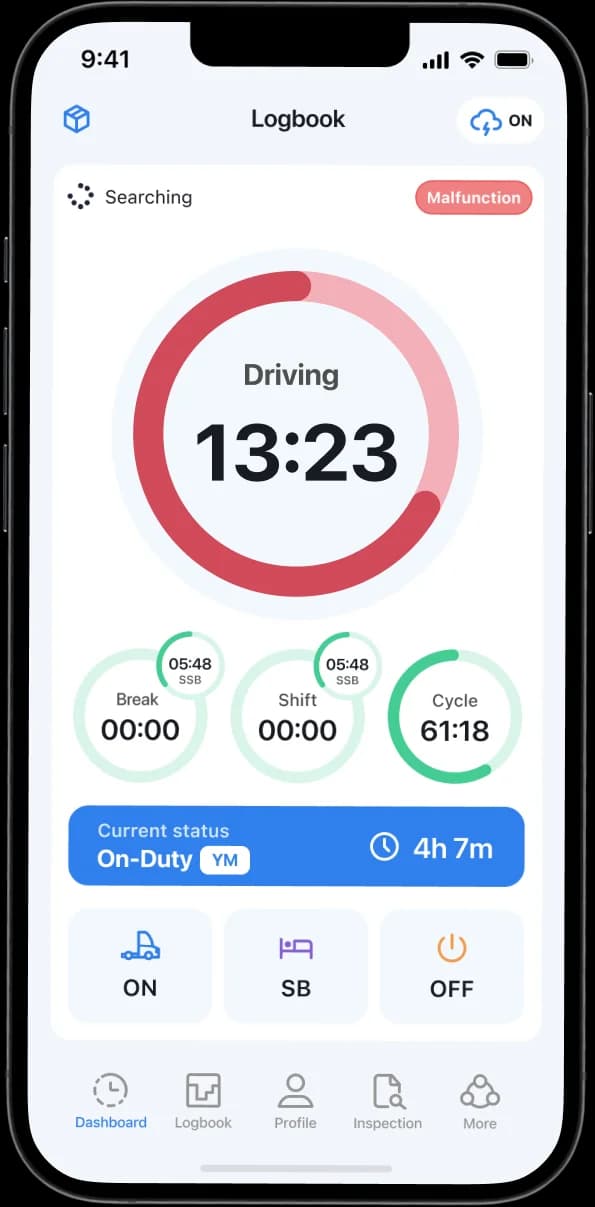
Driver-Friendly ELD App
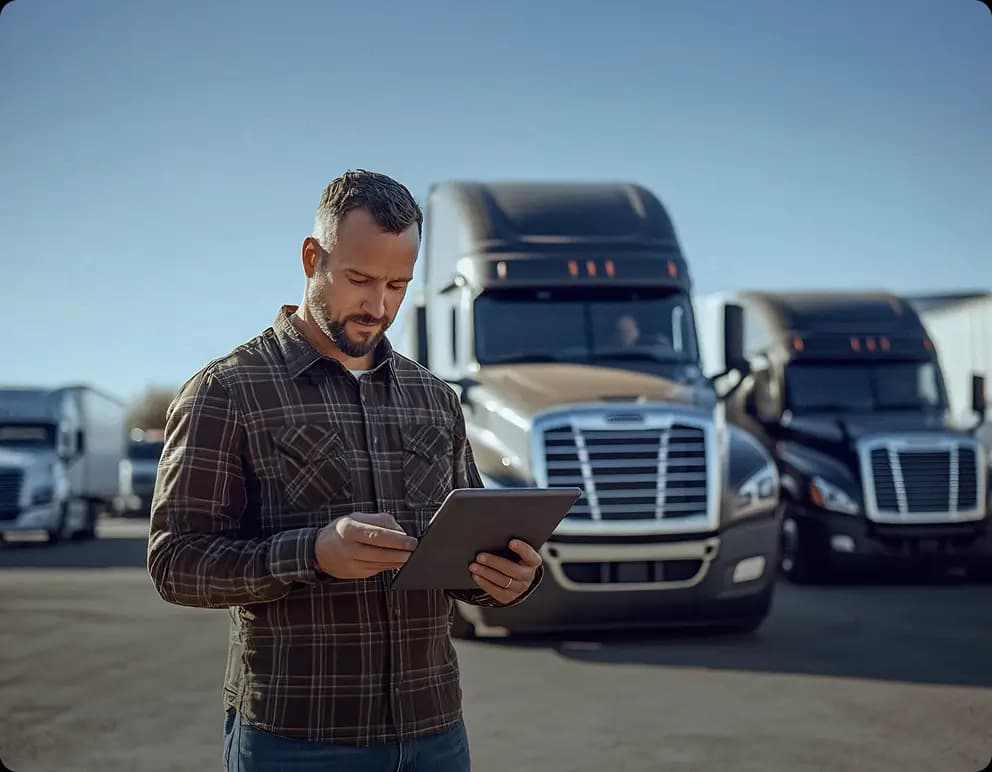
Built to be simple for drivers. One tap to change status, and logs keep syncing even with no signal.

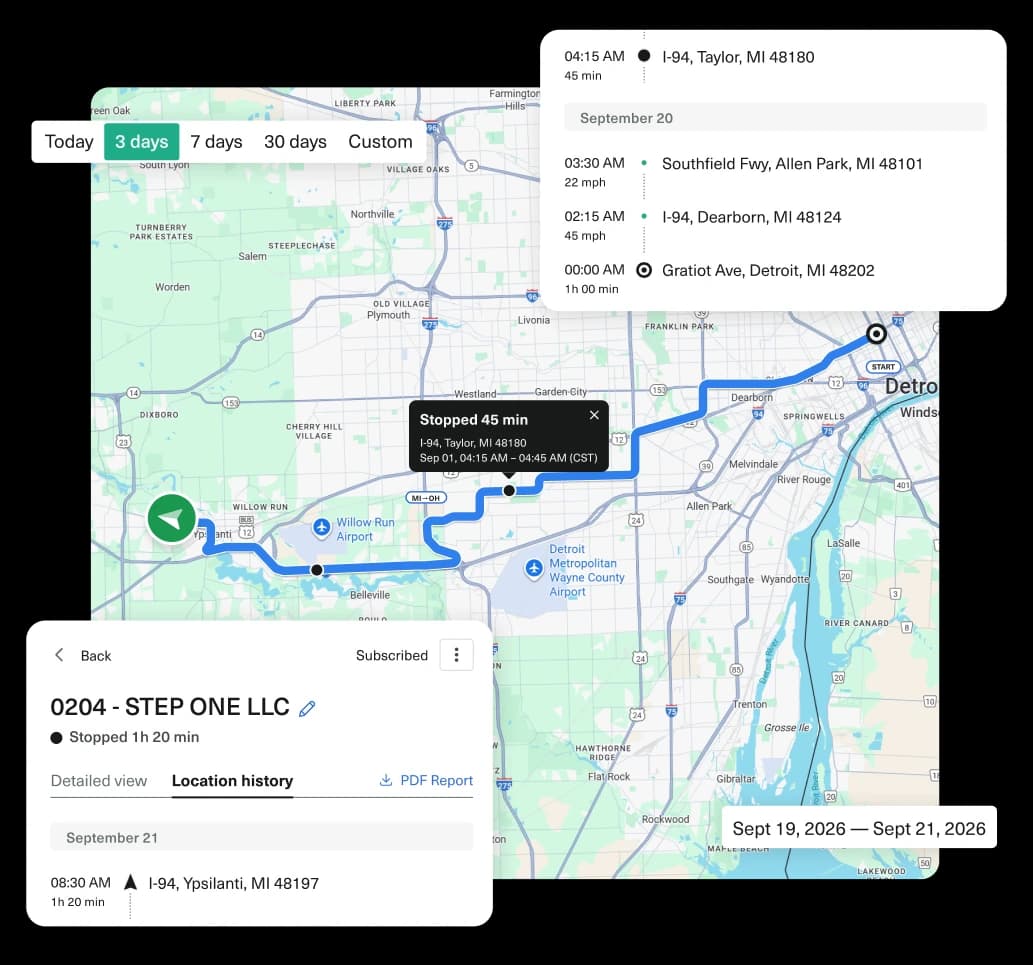
Real-time visibility
Know your whole fleet is compliant without chasing drivers for updates or missing logs.

Fast ELD setup
No installer needed. Plug in the device and start logging in just a few minutes.

Everything in one dashboard
Map, logs, DVIR, trailers and trackers all in one screen, so nothing gets lost between tools.
Stay compliant. Spend less.
Compliance shouldn’t cost more.
2000
Drivers onboarded
38%
Fewer violations
INSIDE ROUTE ONE ELD
Manage ELD compliance in one place.
HOS Logging
Automatic hours-of-service logging.
Driving time, duty status and breaks are logged automatically, helping drivers stay compliant.
- Logs update automatically as drivers drive and rest.
- Get an audit-ready record for every DOT inspection.
- Logs still sync even without signal - nothing gets lost.
Make your inspections easier.
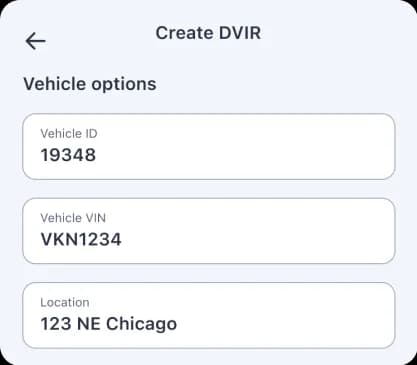
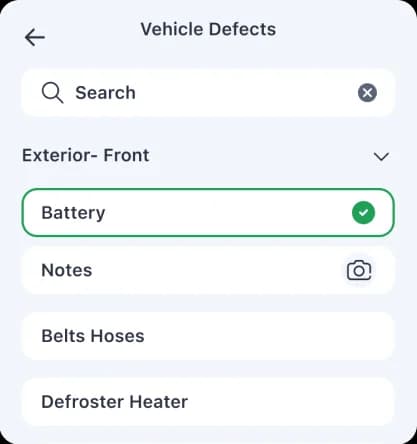
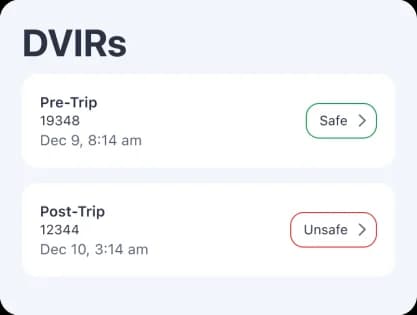
Complete pre-trip and post-trip inspections digitally and keep vehicle inspection records organized in one place.
- Complete DVIRs from the driver app.
- Flag vehicle issues quickly.
- Keep inspection records ready when you need them.
Catch violations before they cost you.
Get notified when a driver approaches an hours-of-service limit, so you can act before it becomes a violation.
- Real-time alerts before you hit an HOS limit.
- Full violation history, whenever you need it.
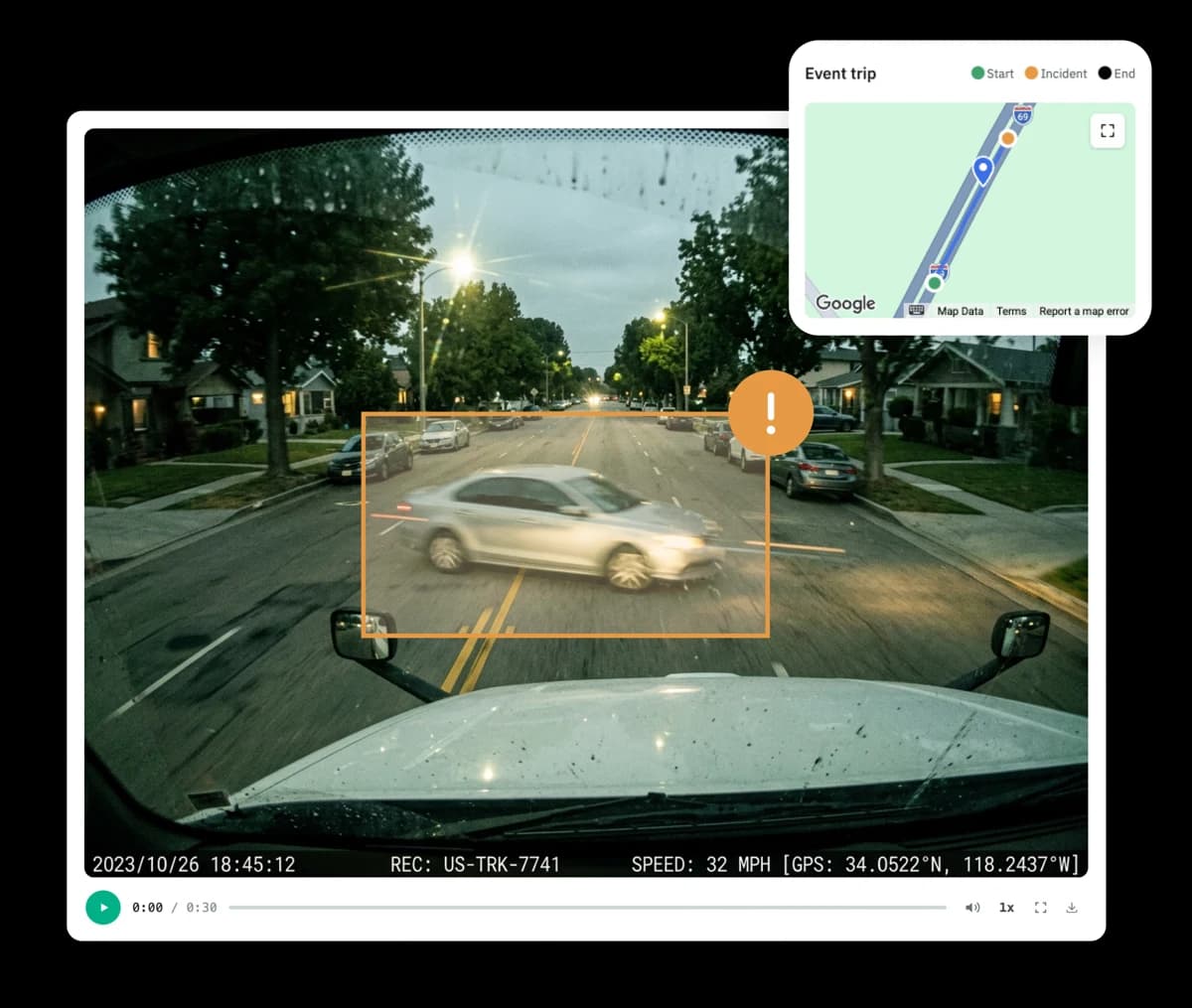
- See the exact event behind every alert.
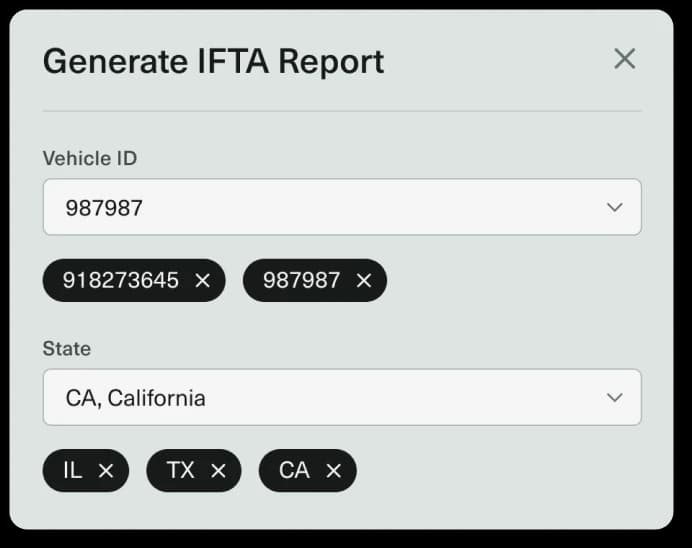
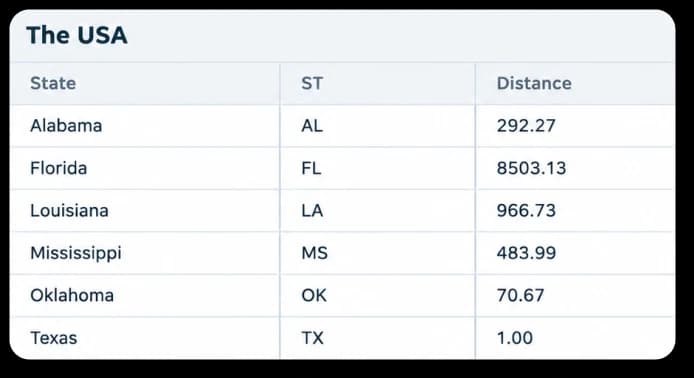
Skip the manual mileage math.
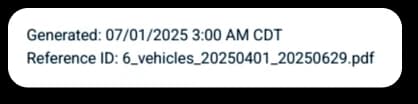
Generate mileage reports by state and get the breakdown you need to simplify IFTA filing.
- Generate mileage reports by date range.
- See miles traveled by state.
- Available on eligible plans.


Why fleets choose us
Why small trucking fleets choose us
Miles by State
Miles by state, done for you
Your ELD automatically tracks miles by state, so there's no need to add up trip sheets at the end of the quarter. Need to make a correction? Update or add mileage and keep a record of the change.
Add fuel without the headache
Add diesel purchases individually or upload the entire quarter using our CSV template. Your fuel data is combined with your mileage and quarterly IFTA tax rates for calculation.
See your calculated IFTA tax by State
Review your calculated IFTA amounts by jurisdiction before you file. Check mileage, fuel and tax rates, then use the report as a reference when preparing your return.
Every quarter, organized
Keep each reporting quarter organized in one place. Review mileage, fuel, calculations and previous changes whenever you need them.
How it works?
Set up your account
Create your Route One GO account and add your drivers and vehicles.
Connect your ELD
Plug in the ELD device and pair it with the Driver app
Start driving
Drive, track hours automatically and stay compliant.
installation guide
Easy to install. Simple to get started.
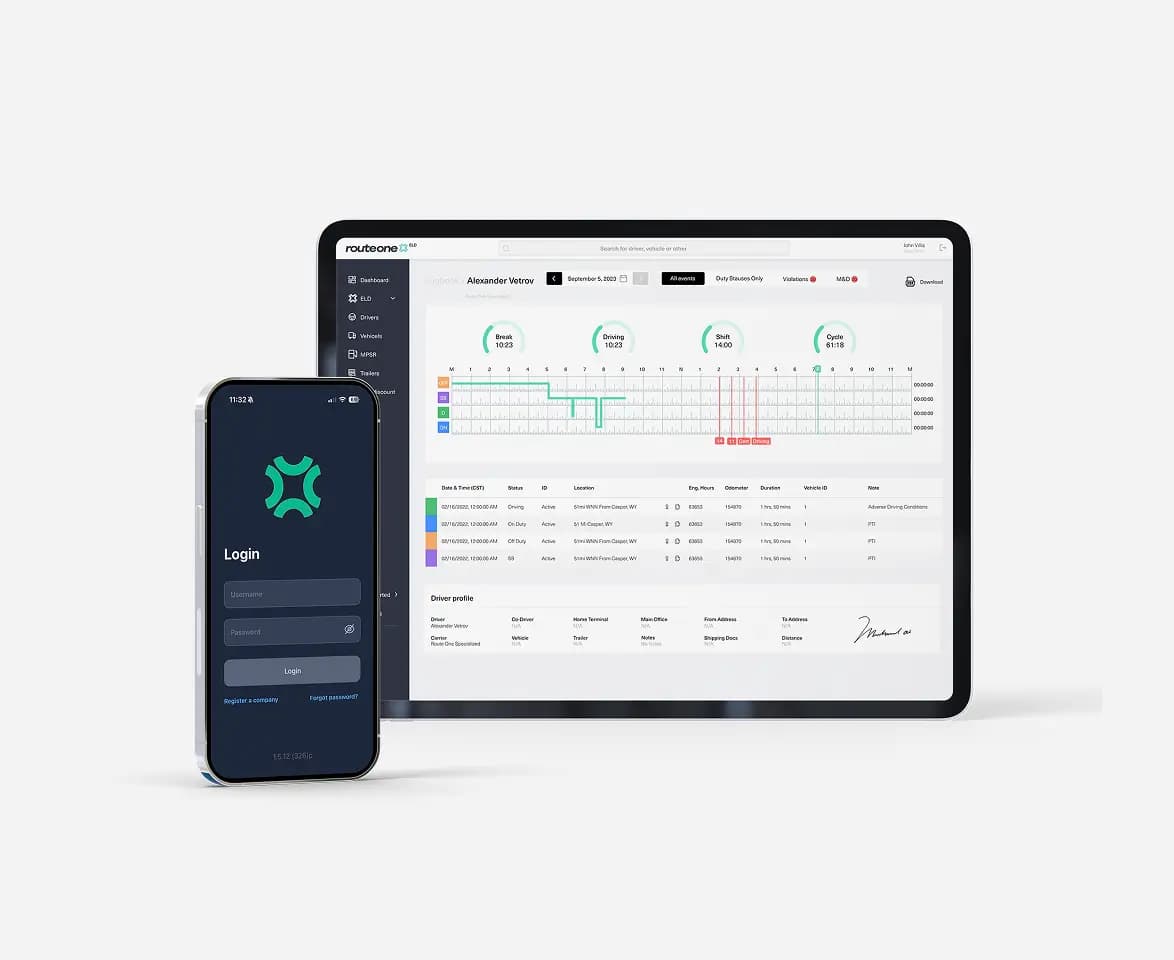
1Set up your account
Create your account, choose your plan and add drivers and vehicles.
- Sign up in the Route One GO account
- Add drivers and vehicles
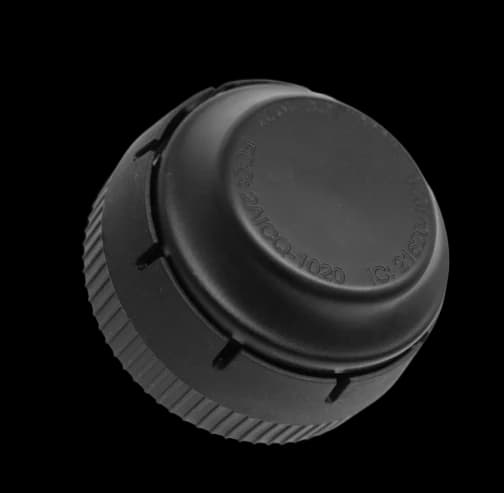
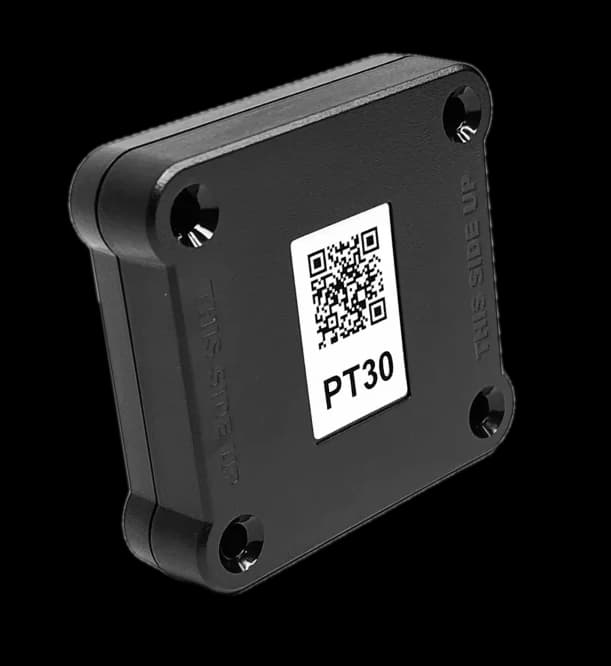
2Connect your ELD Device
Receive and install your device in the truck - it takes a few minutes.
- Use PT30 or IOSiX ELD device
- Plug into the diagnostic port
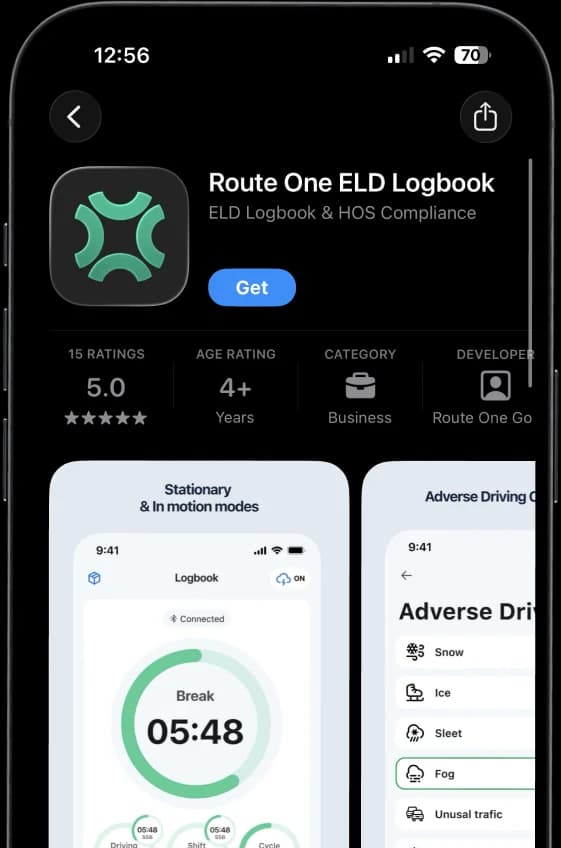
3Download ELD driver app
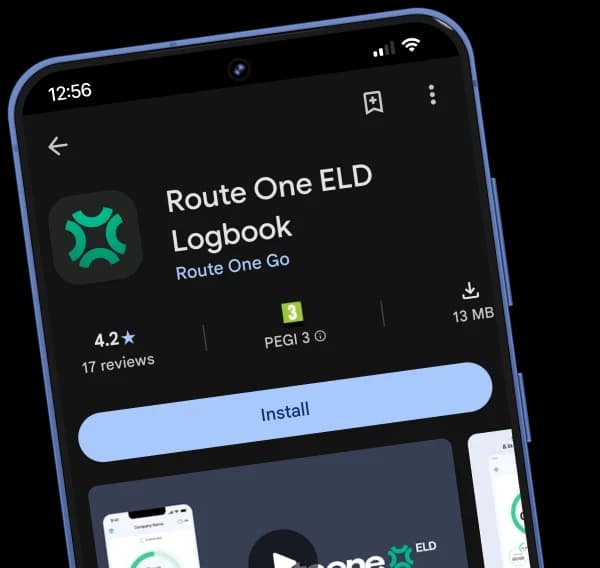
Pair the app with your ELD device and start tracking automatically.
- Download the app from App Store or Google Play
- Connect via Bluetooth (MAC or QR code)


Choose your plan
Testimonials
What customers are saying
“Easy to keep track of all drivers and logs in one place. Makes compliance a lot less stressful for our team.”
Not sure which ELD plan is right for you?
Got any questions?
Is Route One ELD really free?
Do I need a specific device for the ELD service?
Do I need to sign a long-term contract?
Do I need separate subscriptions for ELD and GPS?
Is Route One ELD FMCSA-certified?
More from Route One GO