- 4.9
 Google Reviews
- 30 Days
 Money Back Guarantee
- 24/7
 Vehicle Protection
- AI CameraVehicle Protection
Protect drivers with AI dash cams.
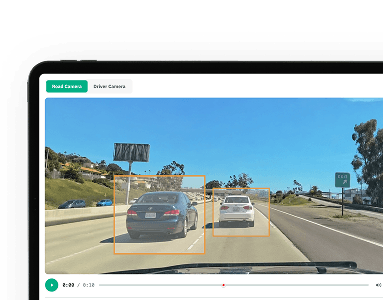
See road and driver-facing video, capture critical events, and manage fleet safety from one platform.
Why Route One Dash Cams?
Protect & Resolve Claims

Coach Drivers Faster
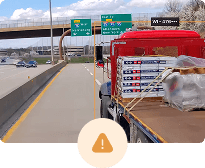
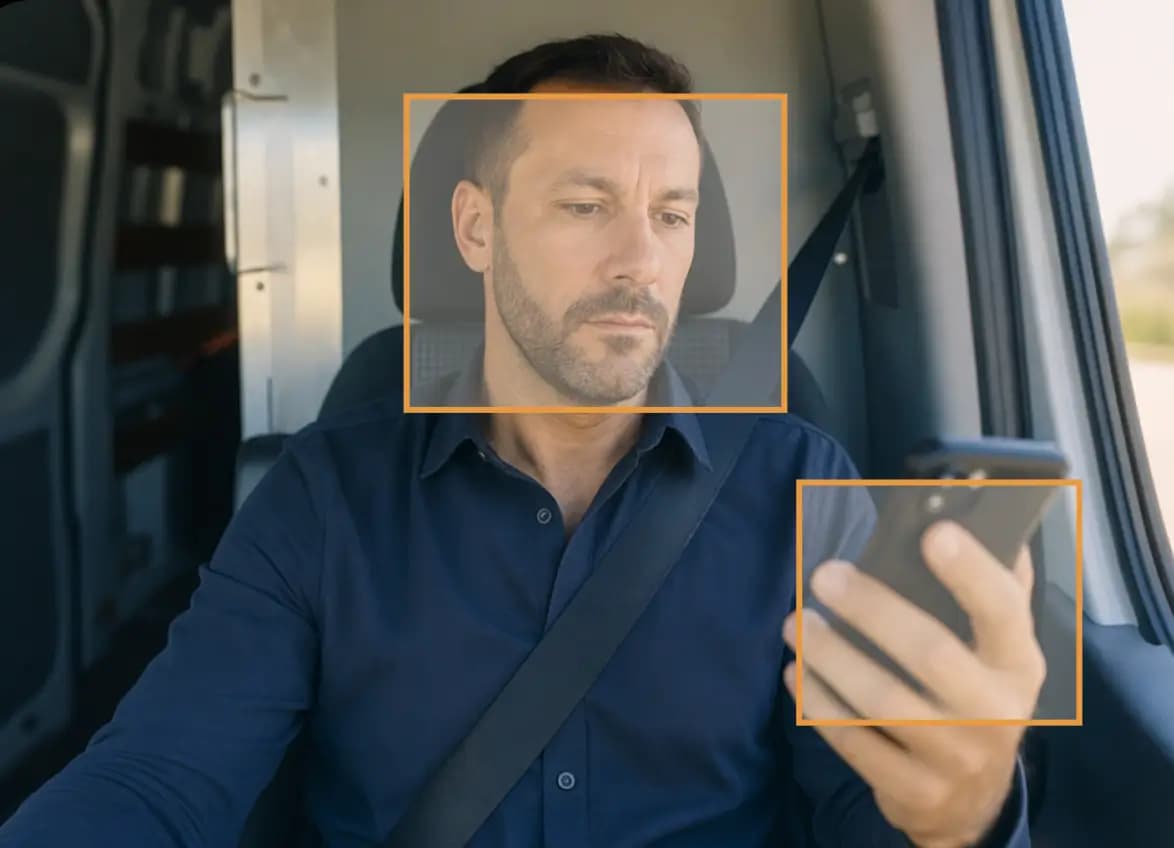
Detect Risk Automatically
What this actually does
See the Full Story Behind Every Incident
Inside Route one dash cams
Manage fleet safety in one place.
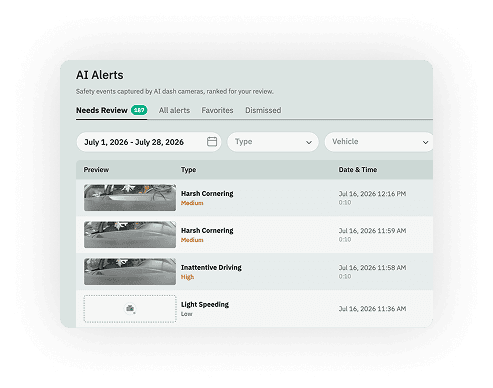
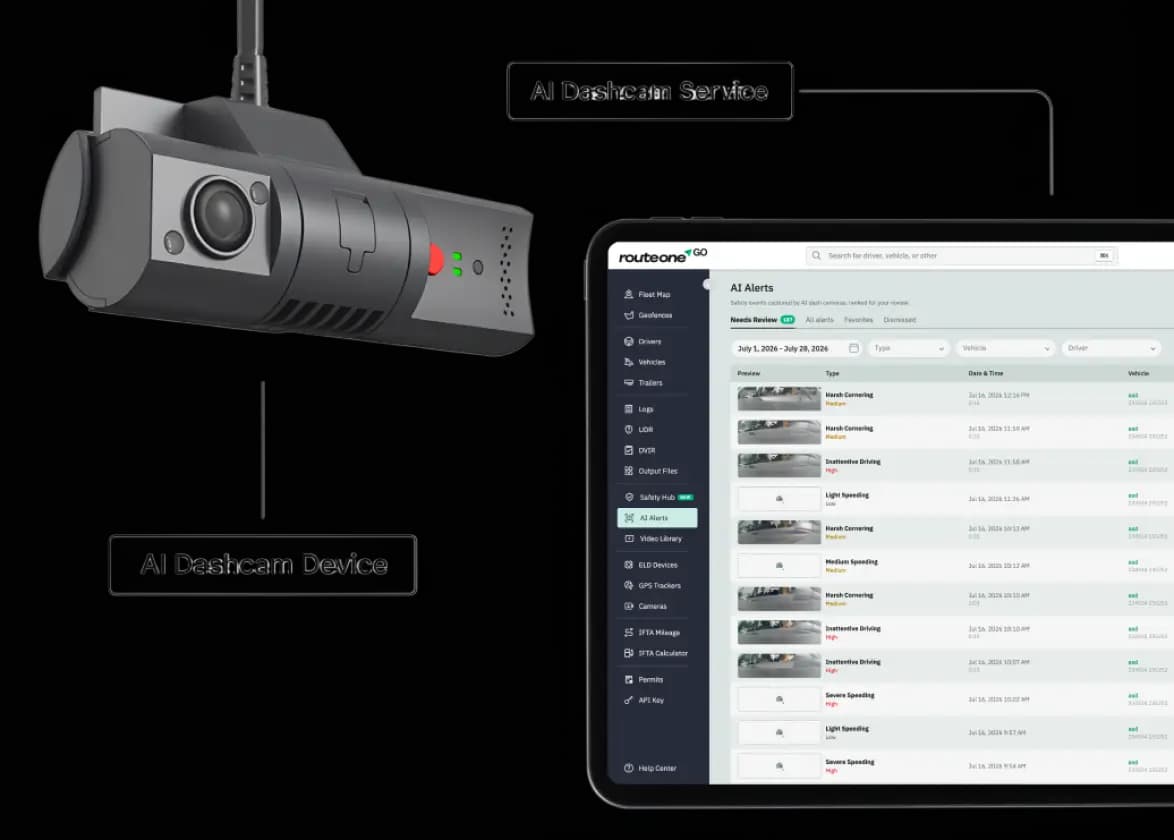
AI Alerts
See risky events as they happen.
AI-powered dash cams detect key driving events and surface what matters most.
- Detect risky driving events automatically
- Filter by driver, vehicle or severity
- Review footage for coaching and follow-up
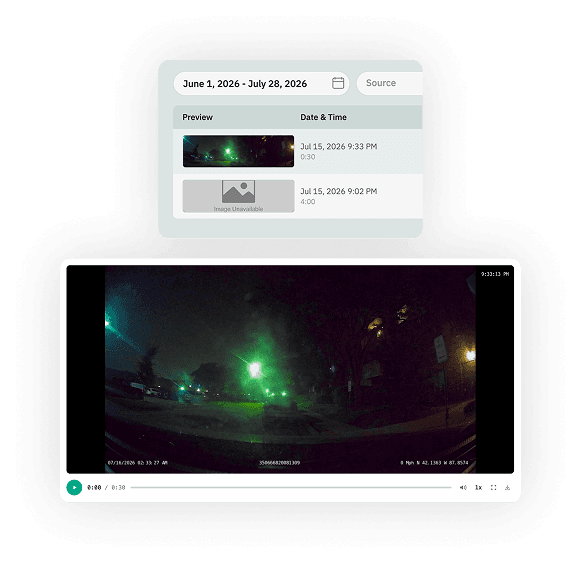
Find the footage you need, fast.
Search recorded video by vehicle, driver, date or event and pull clips when you need them.
- Search by vehicle, driver or date
- Retrieve clips around flagged events
- Access footage after upload
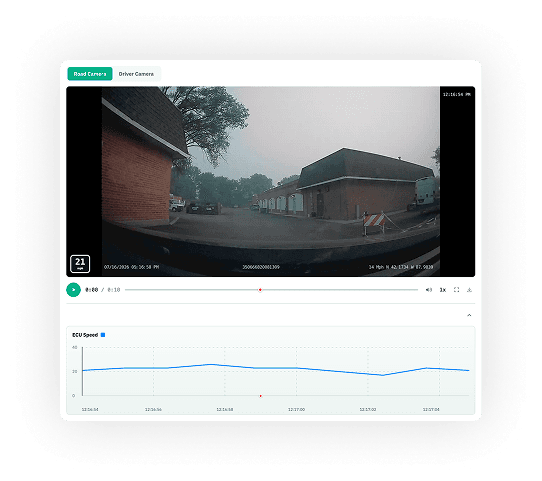
See what’s happening live.
View live road and cabin video when you need immediate visibility into a vehicle or event.
- Live road and cabin views
- See vehicle location alongside video
- Share location when needed
Why Route One GO
Why small trucking fleets choose us
Prioritize Risk
Prioritize risk
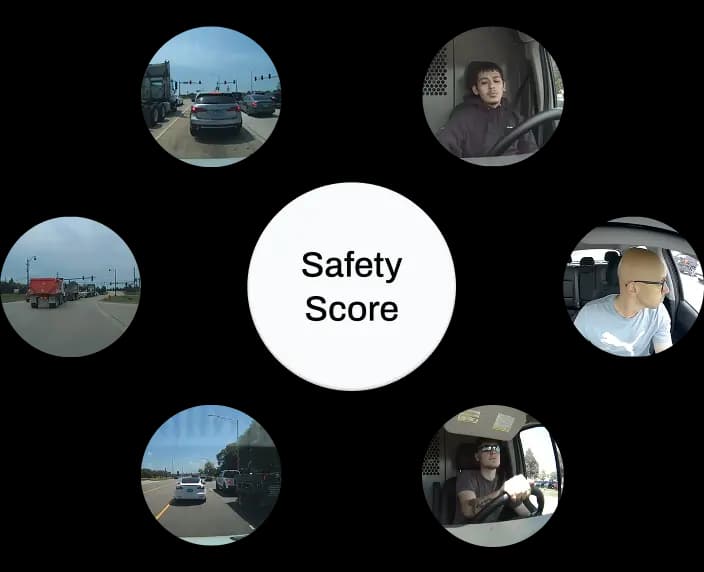
See which drivers and vehicles need attention first. Every camera event rolls into one safety score that ranks your fleet by risk.
Customize Scoring
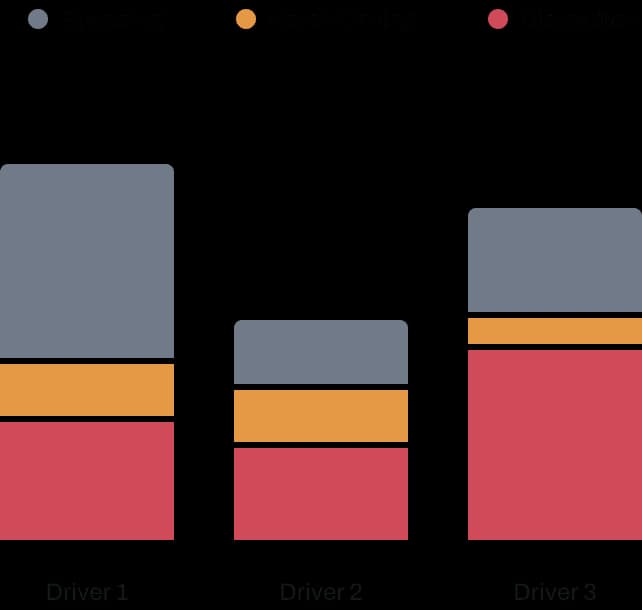
Weight behaviors according to your fleet's safety priorities. Set how much speeding, harsh driving or distraction counts toward each score.
Coach & Track Progress
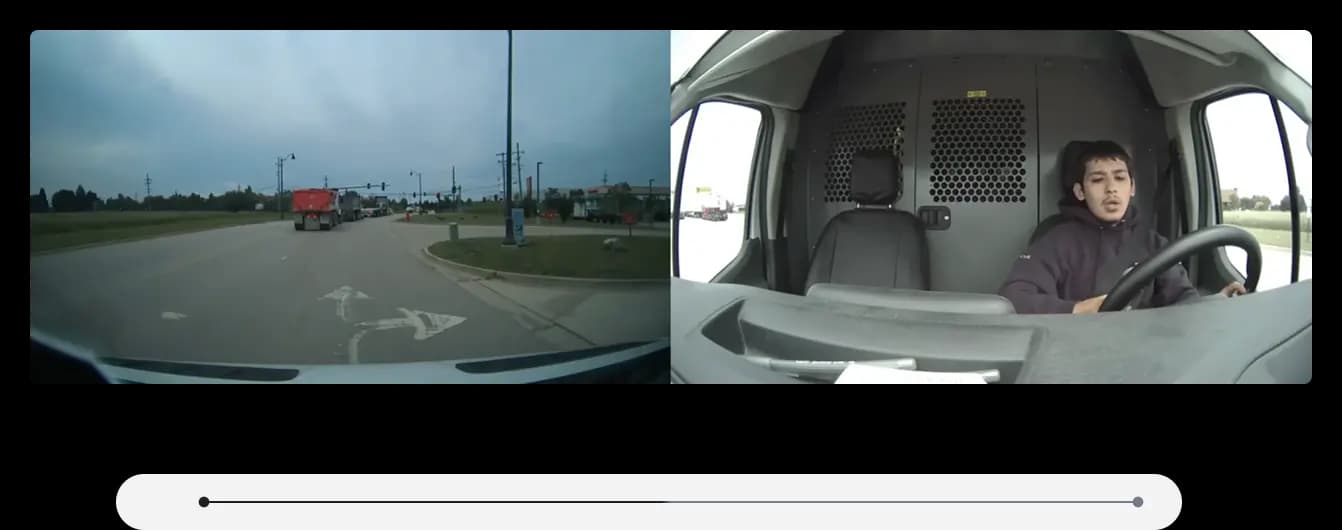
Review events, coach drivers and follow improvement over time. Pull up the footage, coach from it, and watch scores trend week over week.
How Dash Cam works?

Detect
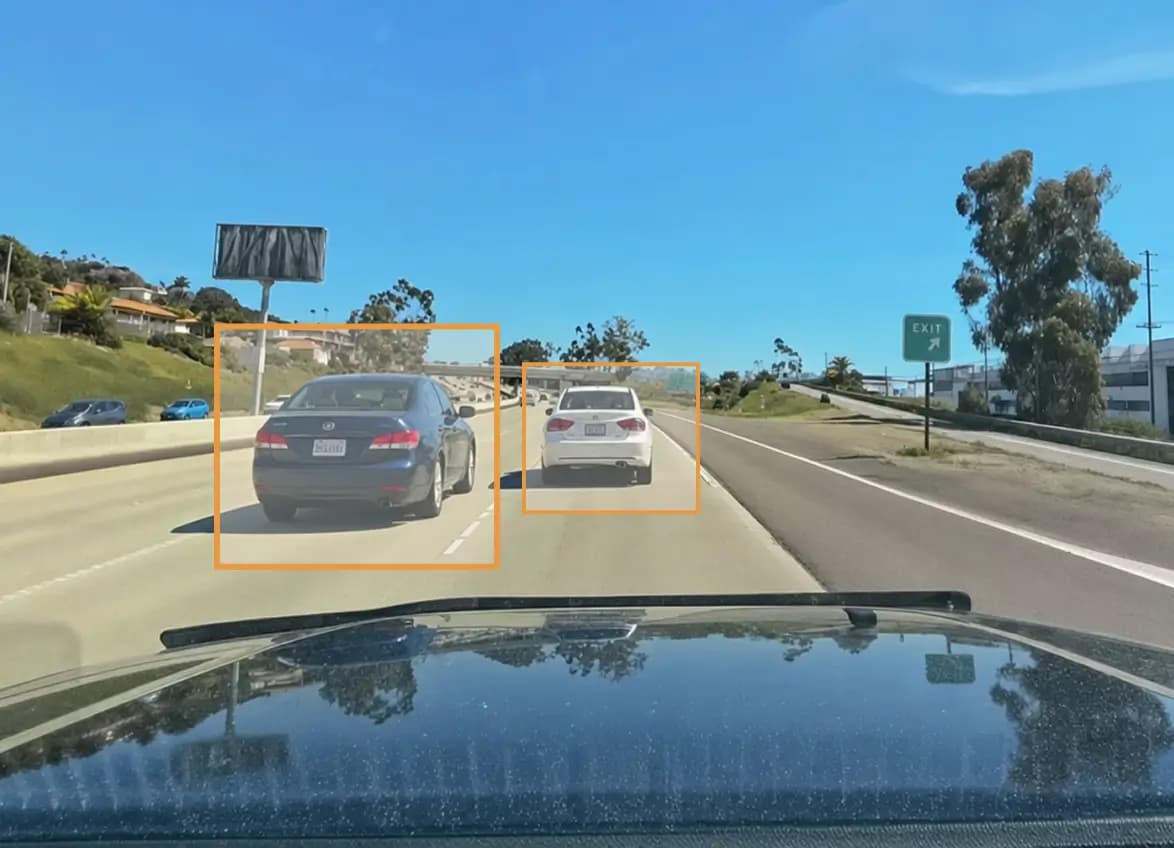
The camera captures road and driver events automatically.

Alert
AI flags risky events and sends them to your safety queue.

Review
Watch the footage, coach drivers, and track improvement.
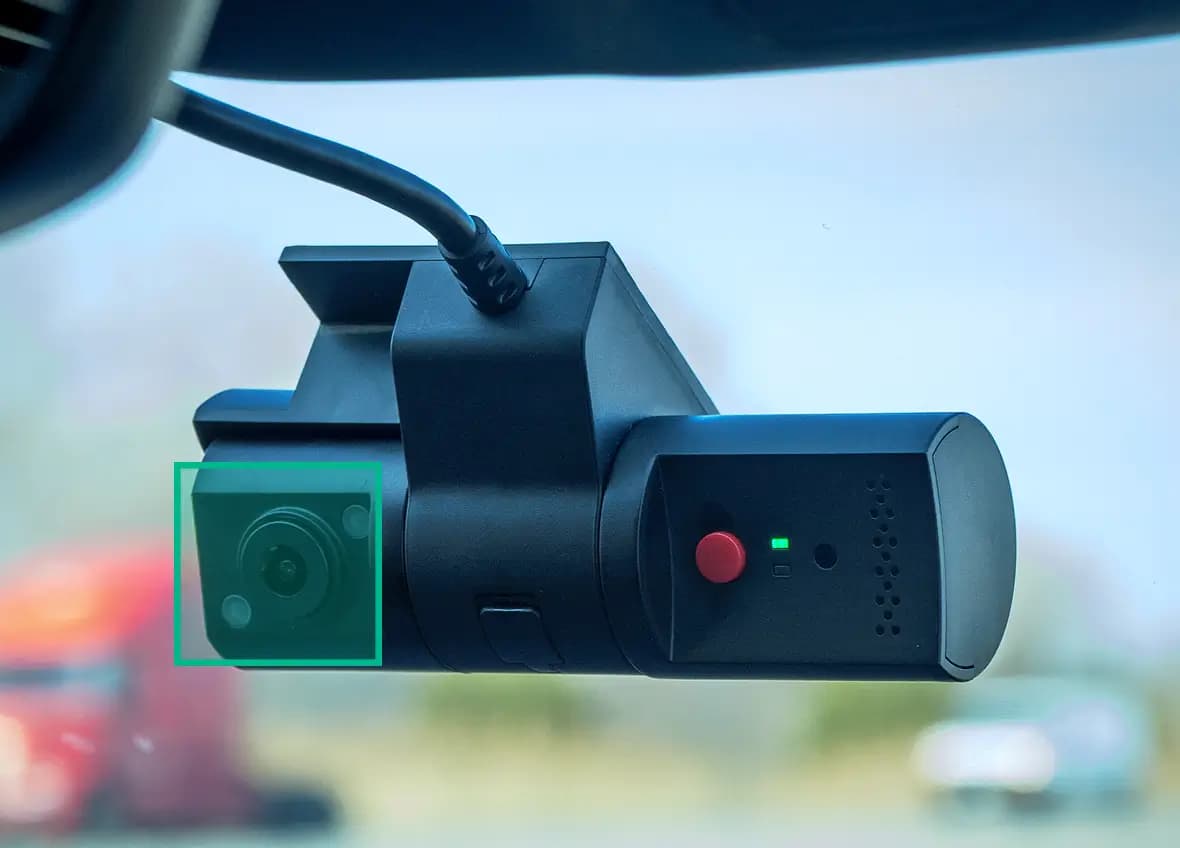
The hardware / dual-facing ai cam
Built for the road, day and night.
High-Definition Recording
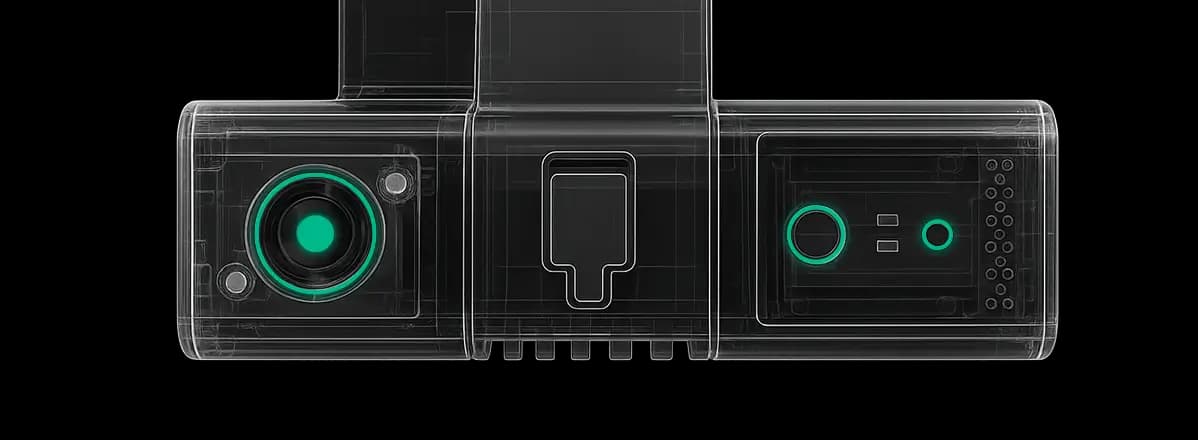
Capture every mile with 1080p / 30fps road-facing recording and 720p cabin driver-facing recording.
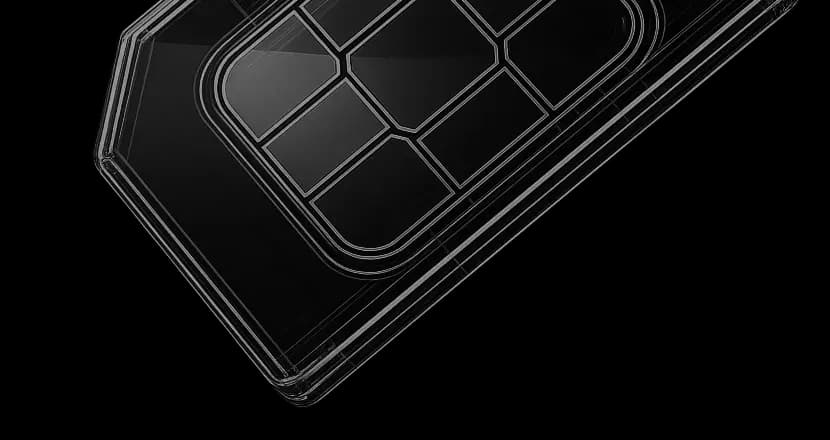
Seamless Connectivity
Stay connected with 4G LTE + SIM (certified, included) and 128GB + expansion built-in storage.
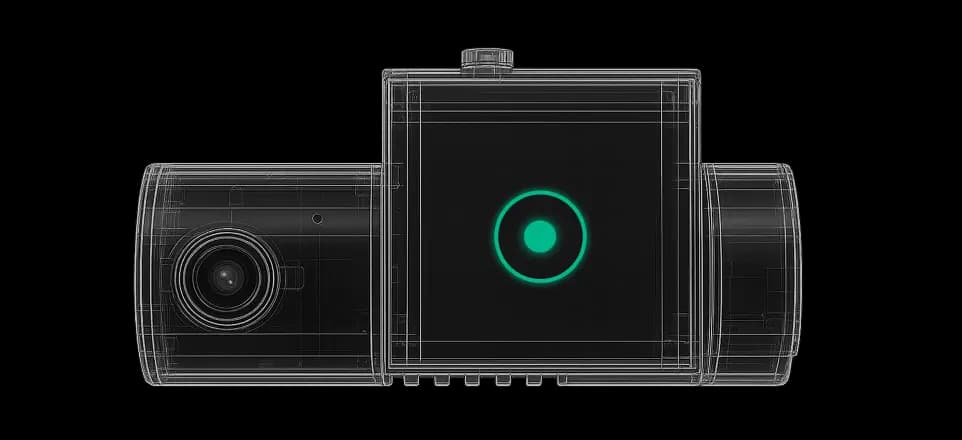
AI-Powered Vision
Benefit from Ambarella edge AI for on-device detection and IR night vision for reliable low-light performance.
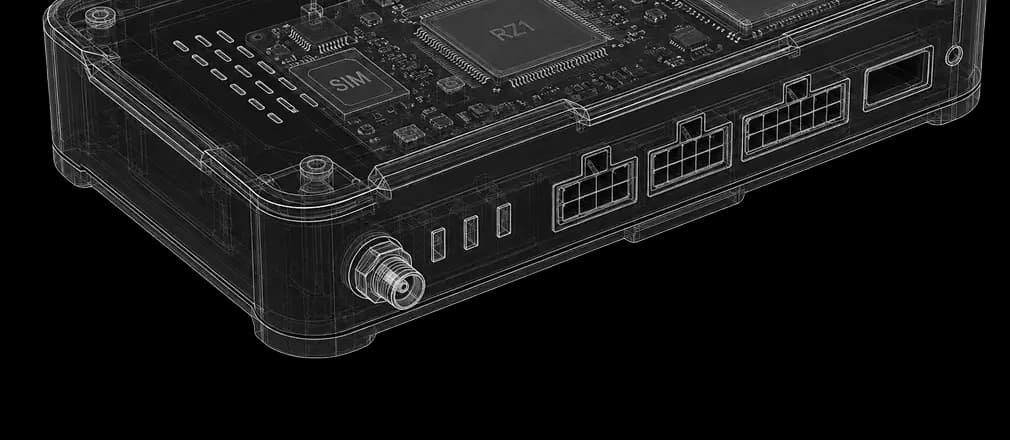
24/7 Vehicle Protection
Monitor your fleet with Standby Mode, parked recording, OBD-II & J1939 support, plus an accelerometer and gyroscope.
installation guide
Easy to install. Simple to get started.
1Set up your account
Create your account, choose your plan and complete the payment.
- Sign up for a Route One GO account
- Select your plan and complete payment
2Install your camera
Connect the device and mount the camera on the windshield.
- Plug the device into your OBD-II diagnostic port
- Mount the camera on the windshield - see the installation guide for help
3Start improving fleet safety
Your Safety Hub starts working as soon as the camera is connected.
- Track driver and fleet safety scores
- Identify risky driving and coach drivers from day one
What customers are saying
Choose your plan
Got any questions?
Does it work with other providers or platforms?
Do I need a subscription, or just the camera?
Will my drivers accept a camera watching them?
Is a Dash Cam required for compliance?
Which vehicles and brands are supported?
Where is footage stored, and who sees it?
What if there's no cell signal?
Put Every Mile On The Record
More from Route One GO