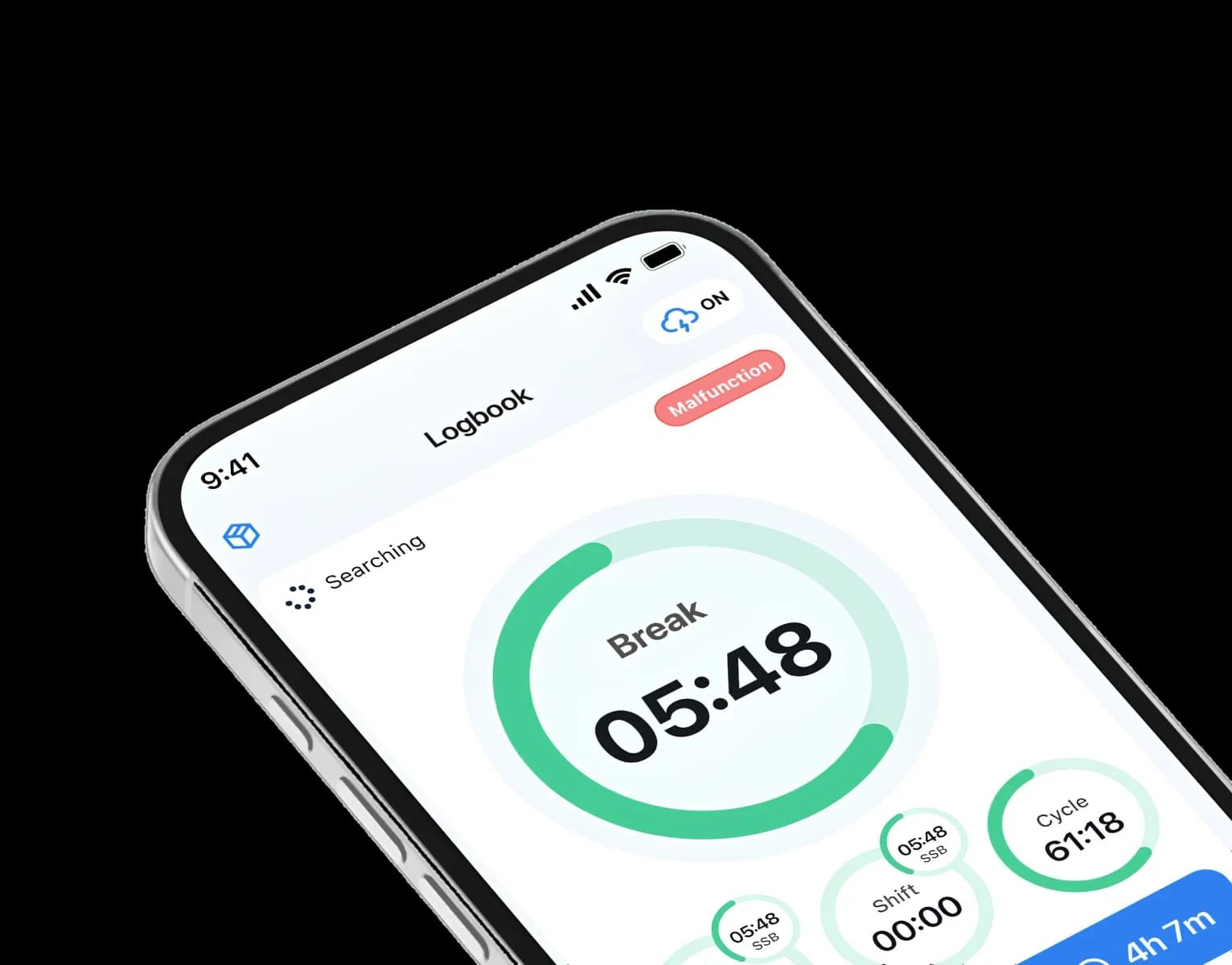
GPS tracking for trailers and trucks
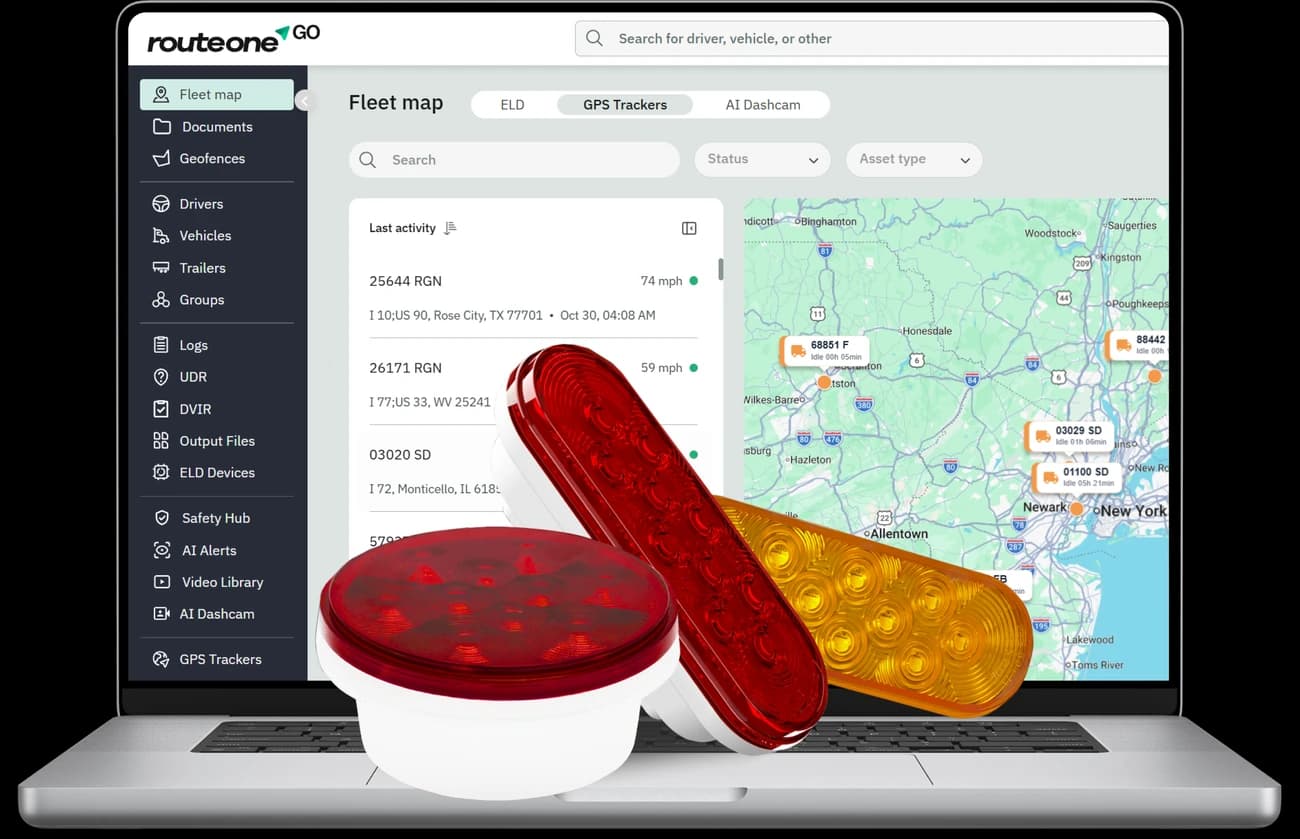
Track trucks and trailers in real time, know where your assets are, and manage your fleet from one dashboard.







Why Route One GPS?

Smart alerts & notifications
Get notified about geofence entries, exits and inactivity the moment they happen.

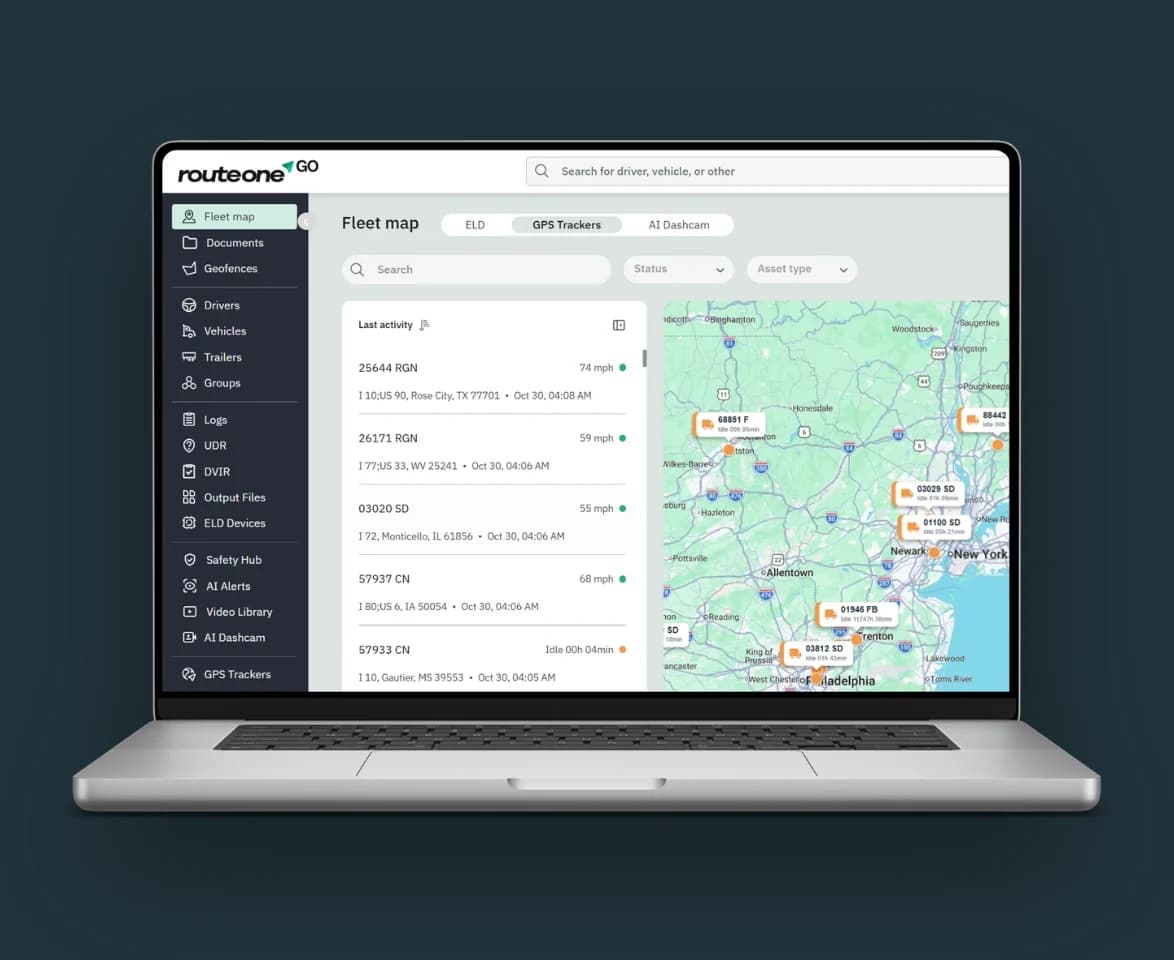
Real-time tracking
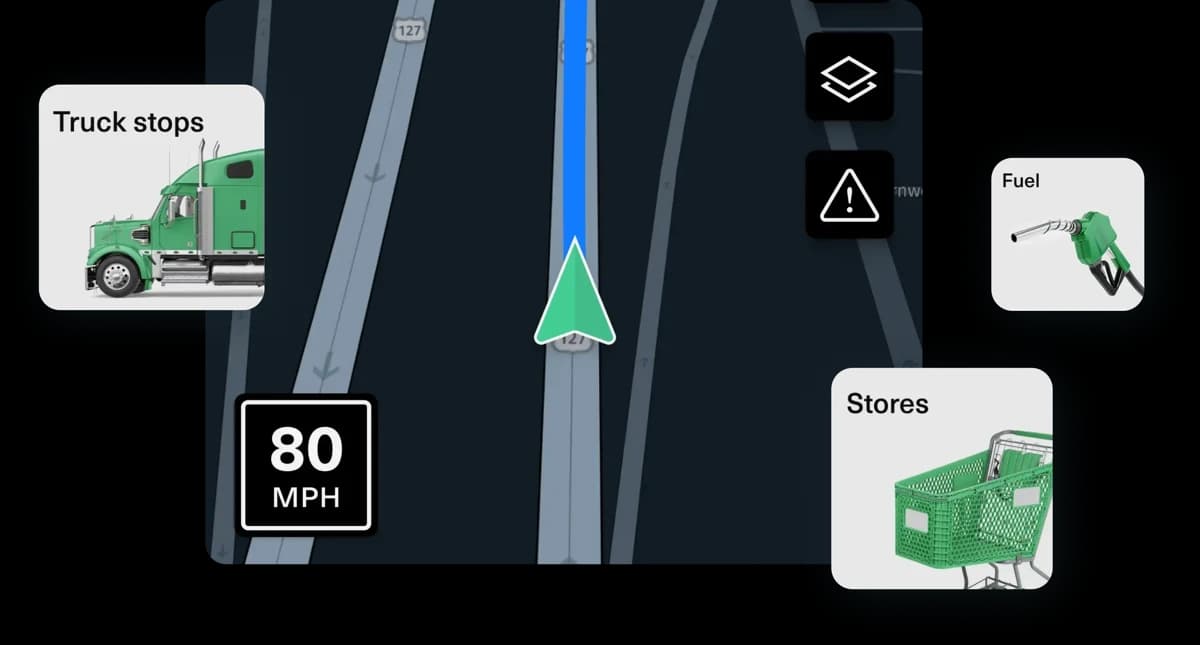
See where every truck and trailer is, live, on one map.

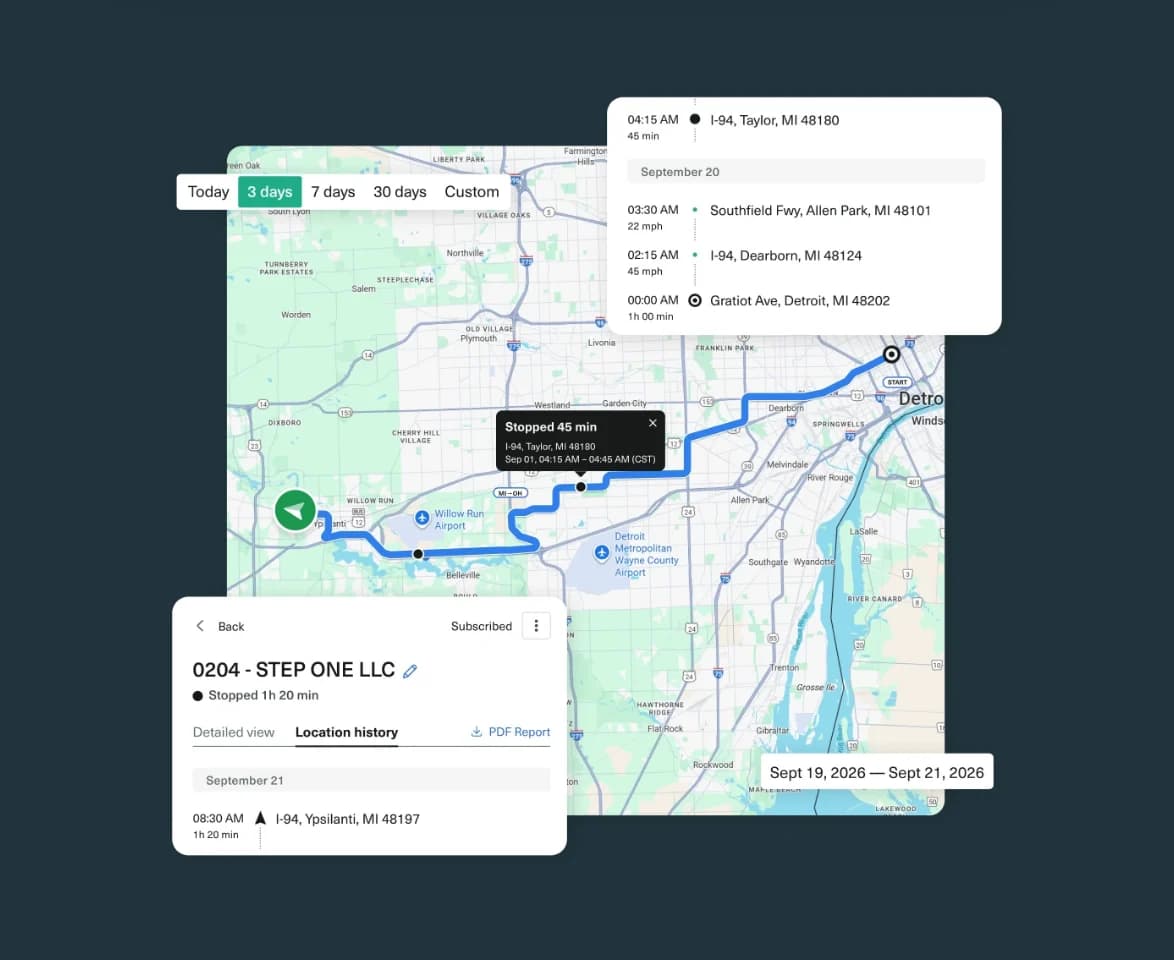
Route history & playback
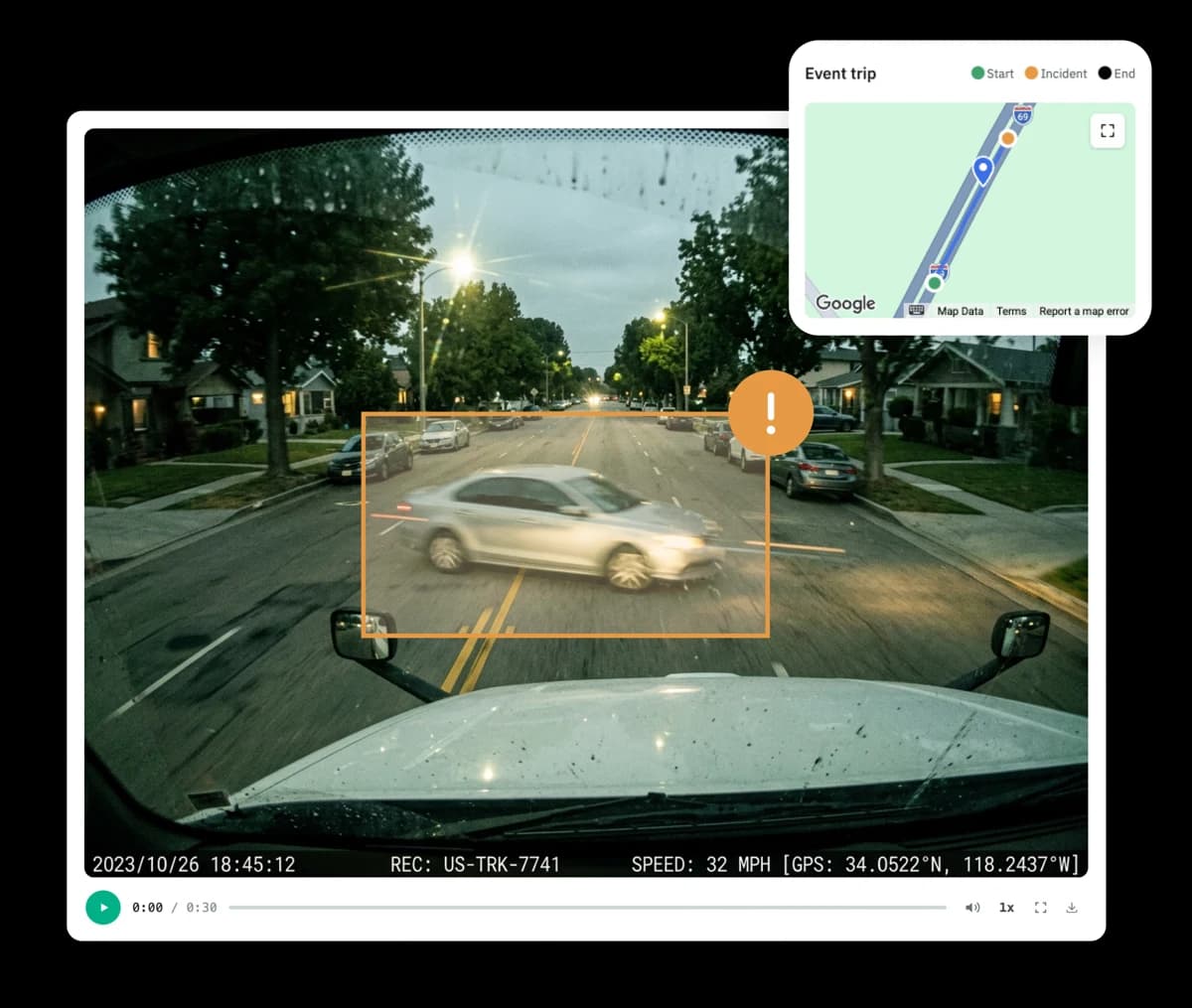
Replay past trips with routes, stops and timestamps.

Everything in one platform
GPS, ELD, trailers and drivers managed from one Route One GO dashboard.
What does it actually do?
Track your fleet from one place.
Real Time Visibility
Real-time visibility across your fleet.
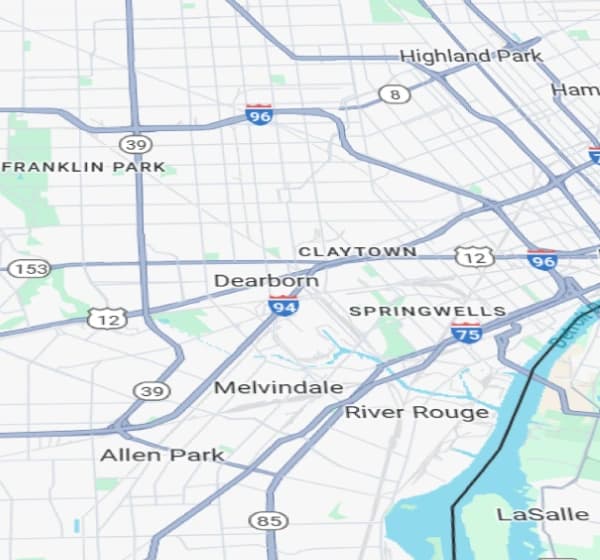
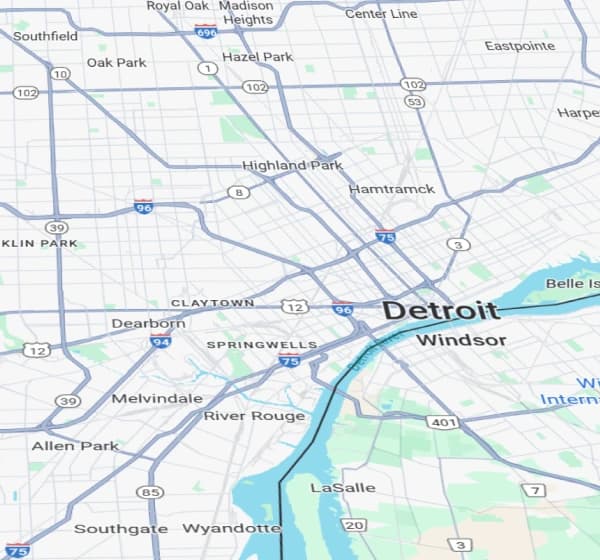
See live location and movement for every vehicle, so you always know what's happening on the road.
- Follow your vehicles live and check on key locations.
- Monitor inactivity and take action instantly.
- Cut down on status calls and get more control.

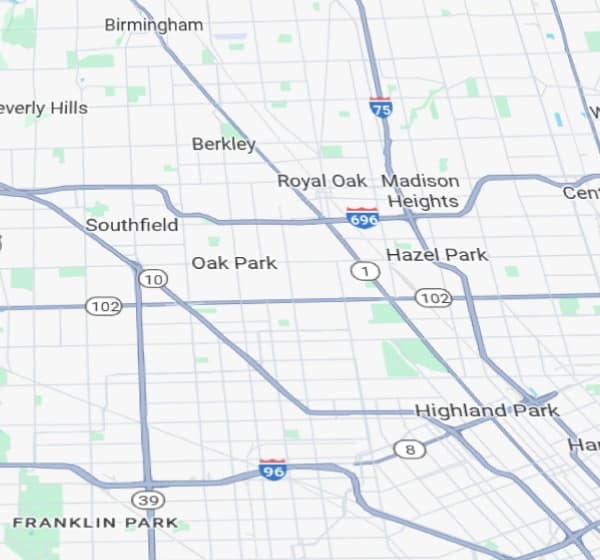
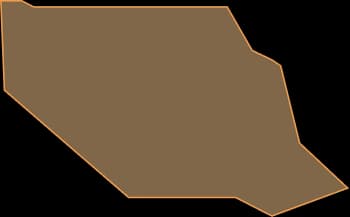
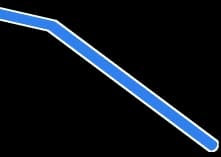
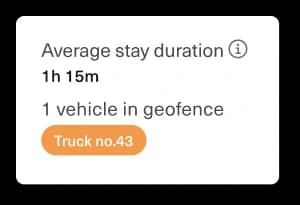
Stay informed with geofence alerts.
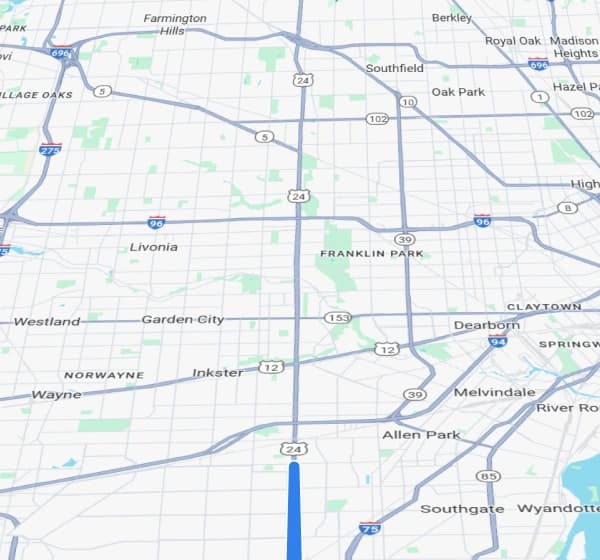
Draw a zone around any yard, site or customer location and get notified when a vehicle arrives or leaves.
- Set zones around the places that matter.
- Get alerts on arrivals and departures.
- Spot unauthorized movement faster.

Share live location with a link.
Send a live tracking link to customers or brokers without giving them access to your account.
- Share a live link in seconds.
- Control when the link is active.
- Give customers better shipment visibility.



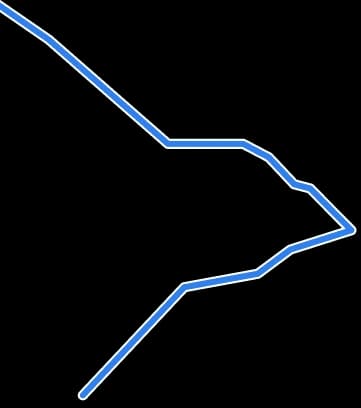
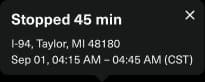
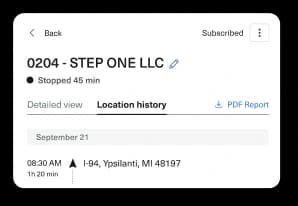
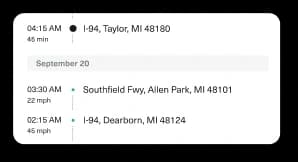
Location history when you need proof.
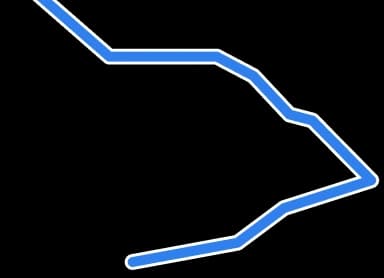
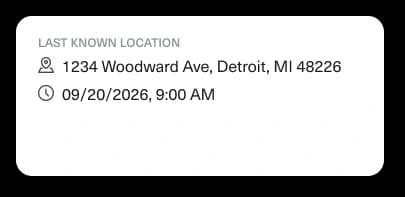
Review where a vehicle has been, with routes, stops and timestamps.
- Review past locations by date.
- See route and stop activity.
- Keep timestamped records ready.


How it works?
Create your account
Create your Route One GO account and add your trailers and vehicles.
Install and connect
Mount the GPS tracker and link it to your account.
Start tracking
See live location, alerts and history from your dashboard.
Installation guide
Easy to install. Simple to get started.
1Set up your account
Create your account, choose your plan and add drivers and vehicles.
- Sign up in the Route One GO account
- Add drivers and vehicles
2Install your GPS tracker
Receive your tracker and install it in minutes by swapping the tracker where your taillight goes.
- Swap the tracker into the taillight position
- Link it to your Route One GO account
 Install
3Start tracking
Open the Route One dashboard to see location, set geofence alerts, and review trip history.
- View live location on web or mobile
- Set geofence alerts and review trip history
Choose your plan
Testimonials
What customers are saying
“Swapped it into the taillight in about ten minutes - no wiring, no tech. Was tracking the trailer that same day.”
Not sure which GPS plan is right for you?
Got any questions?
Do I need a specific device for GPS tracking?
Do I need separate subscriptions for ELD and GPS?
Can I track multiple vehicles at once?
Do I need GPS tracking if I already use ELD?
How do geofence alerts work?
More from Route One GO